Web Crawling vs. Web Scraping: Key Differences, Use Cases, and Helpful Recommendations
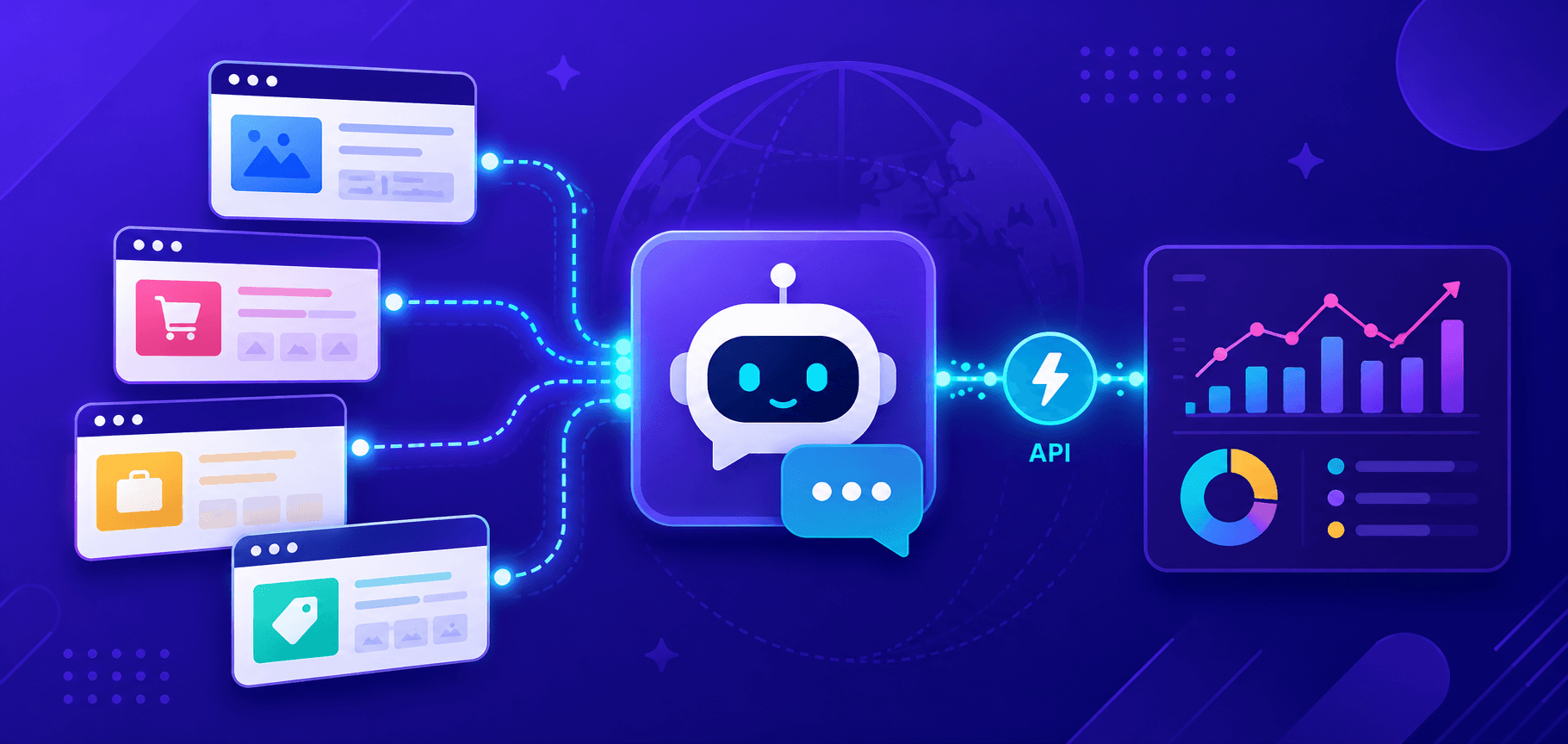
Web crawling and web scraping are two effective and widely used technologies for collecting information from the Internet. They provide broad opportunities for data analysis, monitoring changes, and automating routine tasks. Despite their apparent similarity, each serves its own purpose and is suited to different goals. Let’s explore how they differ, how to use them correctly, what challenges may arise along the way, and what to consider when building such systems.

What is web crawling?
Web crawling (web crawler – “search robot,” “web spider,” or “search spider”) is the process of systematically browsing web pages to collect links and data for further processing. Web crawlers, or “spiders,” analyze website structures, follow links, and create indexes for future search operations. A common example of web crawlers in action is search engines such as :contentReference[oaicite:0]{index=0}, which index billions of pages to deliver relevant search results.
Key characteristics of web crawling
- Crawls large volumes of pages.
- Indexing — creates a database of links and structured information.
- Can run continuously and update indexes.
What is web scraping?
Web scraping (web scraping, also known as data parsing) is a method of extracting specific data from web pages. The main goal is to obtain information such as product prices, contact details, or textual content for further analysis. Scrapers focus on collecting targeted information rather than indexing an entire website.
Key characteristics of web scraping
- Extracts specific information from selected pages.
- Results are usually converted into convenient formats such as CSV or JSON.
- Can be configured for various websites and datasets.
Web crawling originated in the early 1990s with the emergence of the first search engines. At that time, the internet consisted of a relatively small collection of static pages. Early crawlers such as World Wide Web Wanderer (1993) collected basic information about websites for indexing. Over time, as the number of web pages grew and content became more complex, search engines developed sophisticated algorithms to process massive amounts of data.
Web scraping developed later and became popular in the early 2000s. With the growth of dynamic websites and online stores, the need for automated data collection increased. Tools such as :contentReference[oaicite:1]{index=1} and :contentReference[oaicite:2]{index=2} made the process easier and more accessible. In recent years, web scraping has become even more popular thanks to APIs and browser automation tools like :contentReference[oaicite:3]{index=3} and :contentReference[oaicite:4]{index=4}.
Where It Can Be Used
Web crawling and web scraping are used in various fields where information needs to be extracted and analyzed from web pages. Here are some key areas:
Marketing and Data Analytics
Collecting information about prices, products, reviews, and trends across various platforms.
Competitor analysis, price change monitoring, market condition research, and consumer preference analysis.
SEO (Search Engine Optimization)
Analyzing data about pages, content, links, and search engine rankings.
Using crawlers to check page availability, scan for errors, loading speed, and other SEO factors.
Research and Analytics
Extracting information from scientific publications, reports, and databases to analyze trends, create reports, and make forecasts. Social research through analysis of posts, comments, and mentions on the internet.
Journalism and News Monitoring
Processing news feeds, blog posts, and forum publications to create content and news reports.
Automated event monitoring and extraction of up-to-date data for writing articles.
Financial Sector
Collecting information about stock markets, cryptocurrencies, exchange rates, and company news to analyze and predict financial trends. Tracking trading data, news, and social signals.
Recruitment and HR
Extracting data about candidates, companies, and job openings from various platforms. Automating the search and analysis of professional profiles for hiring.
Collecting Information About Laws, Regulations, Court Cases, and Policies for Further Analysis
Tracking changes in legislation and judicial practice.
E-commerce
Monitoring online stores for price comparison, product offer analysis, and market insights. Collecting data on products, promotions, and reviews to optimize sales.
Software and Testing
Using web crawling and scraping for automated testing of web applications, identifying bugs and page errors. Extracting data for website performance testing.
Medicine and Biotechnology
Collecting data on clinical trials, medical articles, and new therapeutic methods for analysis and development of new solutions. Searching and analyzing information from medical journals and scientific databases.
Comparison of Web Crawling and Web Scraping
Tools for Web Crawling and Web Scraping
Web Crawling:
- Scrapy – one of the most popular Python frameworks for building crawlers. Suitable for large-scale data collection.
- Apache Nutch – an open-source platform based on Hadoop, used for crawling large volumes of web content.
- Heritrix – a crawler developed by Internet Archive, effective for preserving web pages as archives.
- HTTrack – a tool for cloning websites and accessing them offline.
Web Scraping:
- BeautifulSoup – a simple Python library for parsing HTML and extracting data.
- Selenium – used for browser automation and interacting with dynamic web pages.
- Puppeteer – a Node.js library for controlling the Chrome browser. Suitable for working with JavaScript-heavy content.
- Playwright – a powerful browser automation tool with support for multiple engines (Chromium, Firefox, WebKit).
Challenges in Web Crawling and Web Scraping
CAPTCHA and Anti-Bot Protection
Many websites protect their data using CAPTCHA and bot-detection systems. This can block automated data collection.
Solution: using services such as CapMonster Cloud helps automate CAPTCHA solving. These services can handle complex challenges, speeding up the data collection process.
IP Blocking
If a website detects too many requests from a single IP address, it may block access.
Solution: using proxy servers helps distribute requests and avoid blocks. Proxy rotation reduces the likelihood of detection.
Dynamic Content
Some websites load data using JavaScript, which makes traditional parsing more difficult.
Solution: tools such as Selenium, Playwright, or Puppeteer allow interaction with dynamic elements and page rendering just like a real user.
Website Structure Changes
Websites may update their design or HTML structure, which can break existing scripts.
Solution: regularly updating and testing scripts, as well as using selectors that are less dependent on page structure.
Automation and Scaling
Efficient data collection and processing require a properly configured pipeline (a set of actions or processes performed to achieve a specific result):
- Data Collection: using tools (for example, Scrapy or Selenium) to parse web pages.
- Data Cleaning: removing duplicates and fixing errors using Pandas or NumPy.
- Data Storage: storing information in databases (MongoDB, PostgreSQL) or in CSV or JSON formats.
- Scaling: for processing large volumes of data, the following are used:
- Cloud Servers: AWS, Google Cloud.
- Containerization: Docker allows creating containers for running scrapers.
- Data Stream Management: Apache Kafka and Celery help manage tasks and data flows.
Data Analysis After Collection
After collecting data, it is important to analyze and visualize it:
Data analysis and mathematical operations.
Creating charts and graphs for clear data visualization.
Example of use:
import pandas as pd
import matplotlib.pyplot as plt

data = pd.read_csv('data.csv')
data['price'].plot(kind='line')

plt.title('Product Prices')
plt.show()
Trends and the Future of Technologies
AI in Web Scraping
Modern machine learning technologies have significantly improved the web scraping process. Using AI makes it possible to predict changes in website structures. If a website updates or changes its markup, an adaptive scraper can automatically adjust without requiring manual code changes.
Machine learning algorithms can automatically classify collected data, filter out irrelevant information, and improve extraction quality.
Some modern tools such as Diffbot or ParseHub use built-in AI engines to automatically recognize structured data on unstructured pages.
Neural networks enable efficient extraction of text from images and complex documents. For example, the tool Tesseract OCR is often used to process CAPTCHA images.
Neural networks can be trained on large datasets and recognize structural patterns across websites, making data extraction from different resources easier.
Future Directions
Fully autonomous AI-powered parsers are expected to emerge, capable of analyzing websites, identifying important elements, and collecting data without prior programming.
Ethical web scraping is becoming a major trend — creating solutions that respect website policies and user rights. Standards for automated data collection may emerge in the future.
Web scraping is becoming part of larger analytical systems where collected data is processed and analyzed in real time for business intelligence and predictive models.
Code Examples in Python and JavaScript
Example of web crawling with Scrapy
This code creates a spider (crawler) that visits multiple pages of a website and collects titles:
import scrapy

class QuotesSpider(scrapy.Spider):
    name = "quotes"
    start_urls = ['http://quotes.toscrape.com']

    def parse(self, response):
        for quote in response.css('div.quote'):
            yield {
                'text': quote.css('span.text::text').get(),
                'author': quote.css('small.author::text').get(),
            }

        # Go to the next page
        next_page = response.css('li.next a::attr(href)').get()
        if next_page:
            yield response.follow(next_page, self.parse)
Basic parser with BeautifulSoup:
import requests
from bs4 import BeautifulSoup

url = 'https://example.com/products'
response = requests.get(url)
soup = BeautifulSoup(response.text, 'html.parser')

for item in soup.find_all('div', class_='product'):
    title = item.find('h2').text
    print(title)
Using Puppeteer for dynamic content:
const puppeteer = require('puppeteer');

(async () => {
  const browser = await puppeteer.launch();
  const page = await browser.newPage();
  await page.goto('https://example.com');

  const data = await page.evaluate(() => {
    return document.querySelector('h1').innerText;
  });

  console.log(data);
  await browser.close();
})();
Conclusion
Web crawling and web scraping are effective tools for data collection. The choice between them depends on your goal: do you want to crawl an entire website or extract specific information? Both methods offer broad opportunities for business and analytics, but they require careful consideration of legal and technical aspects. Using tools such as CapMonster Cloud to automate CAPTCHA solving helps overcome major obstacles and achieve better results in the data collection process!
NB: Please note that the product is intended for automating tests on your own websites and sites you have legal access to.