10 Best Web Scraping Tools to Extract Content From Multiple Websites at Once
Last quarter, our team tried to pull product data from 38 niche e-commerce sites for a market scan. The scraper we built for the first site held up for about three. By site seven, it was already broken in four different places.
That’s the gap this guide closes. Picking the right web scraping tools when you’re scraping many sites at once is a completely different problem from scraping one. One site you can wrestle into shape. Forty sites with different layouts, different anti-bot stacks, and different login flows will eat any tool that wasn’t built for the job.
We tested and compared 10 of the best web scraping tools available in 2026, from AI-powered Chrome extensions to enterprise-grade scraping APIs, and ranked them by how well they hold up across many sites. You’ll get honest pros and cons, current pricing, and a clear sense of which web scraper fits your use case.
Why Is Multi-Site Web Scraping Trickier Than Single-Page Extraction?
Multi-site scraping is harder because every site is its own micro-project. Different HTML structures, different pagination patterns, different anti-bot stacks, and different login walls compound fast when you’re hitting dozens of targets in one pipeline.
Three things make it hard in practice:
- Layout variance. A selector that works on Site A breaks on Site B. The more sites in scope, the more breakage.
- Anti-bot diversity. One site uses Cloudflare Turnstile, another DataDome, and a third reCAPTCHA Enterprise. Each has its own challenge flow.
- Volume and rate limits. Across many sites, you trip rate limits, fingerprinting, and behavioral checks more often than a single-target scraper would.
The scale of automated traffic shows how alert sites have become. According to the 2025 Imperva Bad Bot Report, automated traffic surpassed human-generated traffic for the first time in a decade, constituting 51% of all web traffic in 2024. The same report notes Imperva blocked 13 trillion bad bot requests across thousands of domains last year. Every site you scrape is on guard.
Meanwhile, the demand for this data keeps growing. Mordor Intelligence found that 65% of enterprises used web scraping to feed AI and machine-learning projects in 2024. Real-time price wars pushed 81% of US retailers toward automated price scraping for dynamic repricing, up from 34% in 2020.
The teams that scale data collection win. The ones that can't lose ground. The right tool decides which group you land in.
What Should You Look for in Web Scraping Tools That Extract Content From Multiple Websites?
The best web scraping tools that extract content from multiple websites share five traits: layout flexibility, pagination handling, anti-bot resilience, clean structured output, and reusable tasks. Miss any of these, and you spend more time fixing broken scrapers than analyzing data.
Here’s the practical checklist we used to rank the tools below.
A few non-obvious things worth flagging:
- Code or no-code is a real fork. Visual scrapers like Octoparse or ParseHub save weeks of setup but cap out on highly dynamic sites. Code-based frameworks like Scrapy or Playwright handle anything but require engineering time.
- AI changed the field. Modern AI scrapers read a page semantically. They understand what “price” or “review” means without a hard-coded selector, which generalizes across sites in a way template-based scrapers can’t.
- CAPTCHAs are an inevitable line item. The more sites you hit, the more CAPTCHAs you’ll see. Plan for it upfront with a dedicated solver instead of bolting one on after your pipeline starts
failing.
Which Are the 10 Best Web Scraping Tools for Multi-Site Data in 2026?
The 10 best web scraping tools for multi-site data extraction in 2026 are Chat4Data, Octoparse, Apify, Bright Data, ScrapingBee, Browse.ai, ParseHub, Zyte, Scrapy, and Playwright. Each fits a different combination of scale, technical comfort, and budget.
Here’s the at-a-glance table before we dig in.
Now the entries.
1. Chat4Data: Plain-English AI Scraping Across Sites
Chat4Data is an AI web scraper that runs as a Chrome extension. Open any public webpage, type what you want in plain English (“get product name, brand, rating, review count, and price for the top 50 Lego results on Amazon”), and the agent shows you a step-by-step plan before it runs. Review the plan, hit start, and the data is exported to Excel, CSV, or JSON.
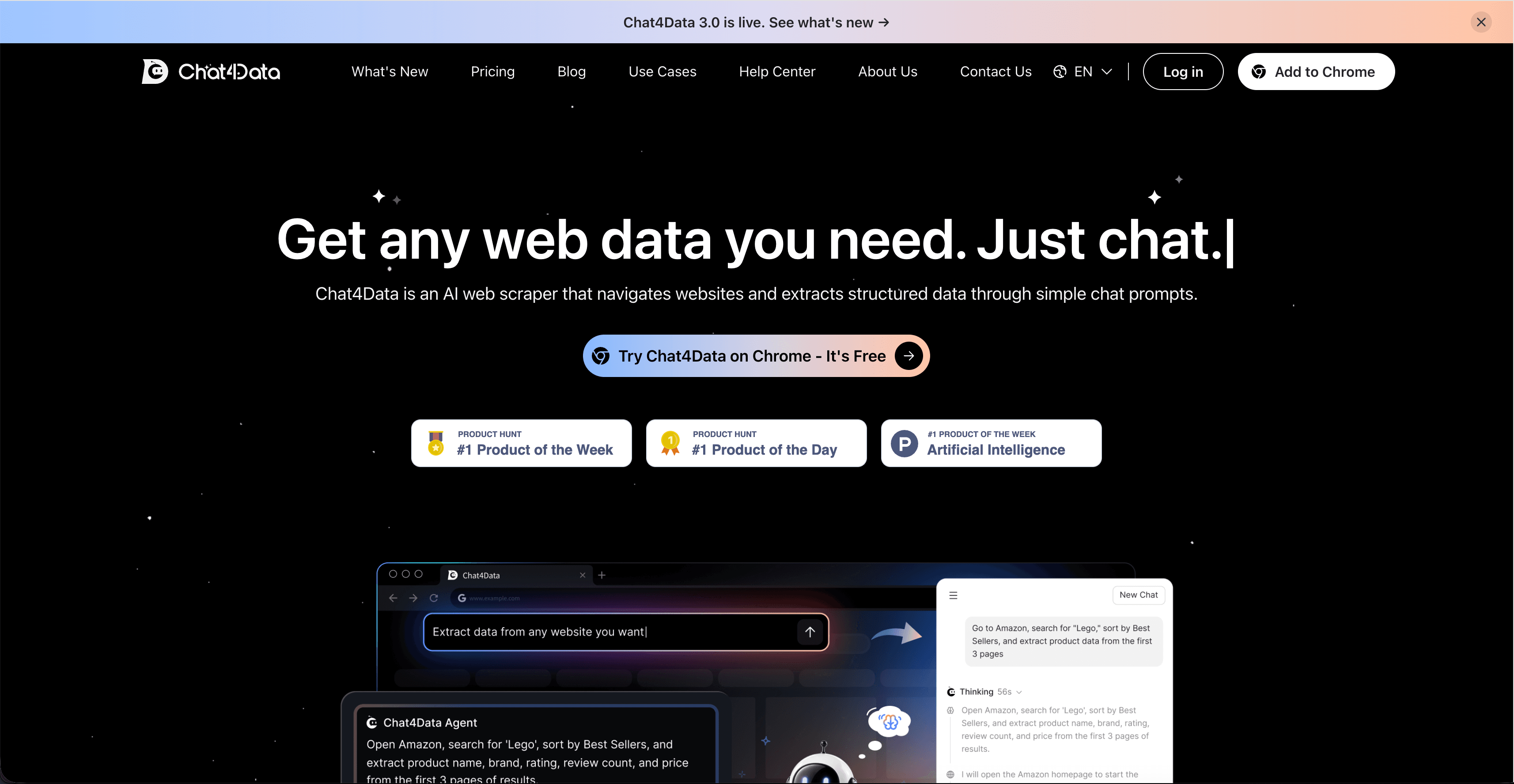
What makes Chat4Data fit the multi-site use case is that the same plain-English interface works regardless of the site’s layout. There are no per-site templates to maintain. On a real estate directory, ask for the address, price, beds, and agent contact. On a SaaS comparison site, ask for the vendor name, pricing tier, and key features. Same workflow, different sites.
On my first run, scraping a SaaS comparison site, I asked for pricing tier, key features, and vendor name. The agent grabbed the pricing tier and vendor cleanly, but missed two features that lived inside a collapsed accordion. I tweaked the prompt to add “including features hidden under ‘Show more’ toggles” and re-ran. Second pass, complete. The plan preview is what made the fix easy: I could see exactly which steps the agent was skipping.
Type: AI web scraping agent (Chrome extension).
Best for: Non-technical users, including sellers, marketers, and researchers, who need clean data from multiple public pages without writing code.
Key features:
- Plain-English prompts, no selectors or templates;
- Whole-page extraction in one task (title, price, specs, reviews together);
- Plan-before-run preview so you see what the agent will do;
- Pauses for logins and CAPTCHAs, then resumes;
- Pagination, infinite scroll, and detail-page handling are automatic;
- Configure once, re-run later. Repeat scrapes don’t consume credits;
- Exports to Excel, CSV, JSON.
Pros: Fastest path from idea to data for non-coders. The same workflow handles wildly different sites. Honest scope: built for batches up to tens of thousands of records, which covers most real lead-gen, e-commerce, and research jobs.
Cons: Initial AI setup consumes credits on each new page. Runs in your active Chrome tab, so very large industrial pipelines pulling millions of records belong on a different stack.
Pricing: Free plan with 300 welcome credits; Pro, $10/month with 2,000 monthly credits; Max, $35/month with 8,000 credits. Annual billing saves 30%. You can grab Chat4Data from the Chrome Web Store.
2. Octoparse: Templates That Fan Out Across Similar Sites
Octoparse is a no-code visual web scraping tool with 600+ pre-built templates for popular sites and an AI auto-detect feature that builds a working scraper in under 30 seconds on most standard pages. It’s the workhorse choice when you’re scraping the same kind of data across many similar sites: ten different real-estate marketplaces or fifteen niche e-commerce stores with comparable layouts.
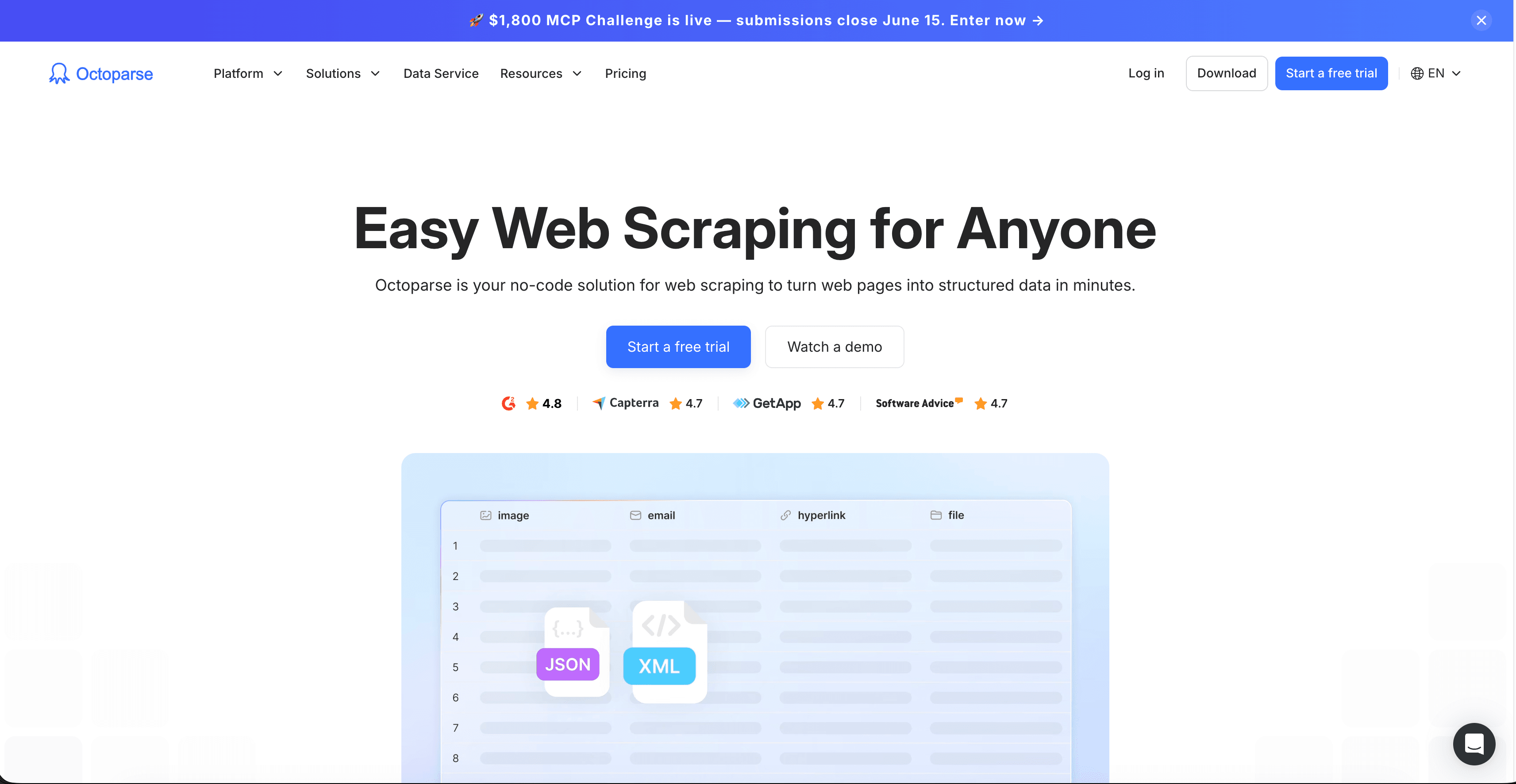
I was surprised by how much of the heavy lifting auto-detect did on the first try. On a 48-product e-commerce category page, it picked up the right fields (name, price, rating, URL) on the first pass and handled pagination without me touching anything. Octoparse shines on recurring multi-site jobs because templates are reusable, and the cloud version runs around the clock with IP rotation built in. A scraper you build for Site A can be cloned and edited for Site B in minutes when the layouts are similar.
Type: No-code visual scraper (desktop + cloud).
Best for: Recurring data extraction across many sites with similar layouts (e-commerce, real estate, job boards, directories).
Key features:
- 600+ pre-built templates covering common sites;
- AI auto-detect builds scrapers without manual field selection;
- Cloud scheduling, IP rotation, CAPTCHA solving;
- Concurrent cloud runs for parallel scraping;
- Export to Excel, CSV, JSON, Google Sheets, and databases.
Pros: Mature, stable, used by 3M+ people. The free plan is generous (10 tasks, 50K records/month). Templates dramatically reduce setup time.
Cons: Struggles with very dynamic JavaScript-heavy sites. Add-on costs (residential proxies at $3/GB, CAPTCHA credits) inflate the bill at scale.
Pricing: Free plan available; Standard from $69/month; Professional from $249/month.
3. Apify: Actor Marketplace Plus Custom Scrapers
Apify is a developer-focused platform built around “Actors,” which are pre-built or custom scraping scripts you deploy and run on Apify’s cloud. The Actor Store has thousands of ready-made scrapers for sites like Amazon, Google Maps, LinkedIn, and Instagram, which makes it a strong fit when your multi-site list overlaps with their catalog.
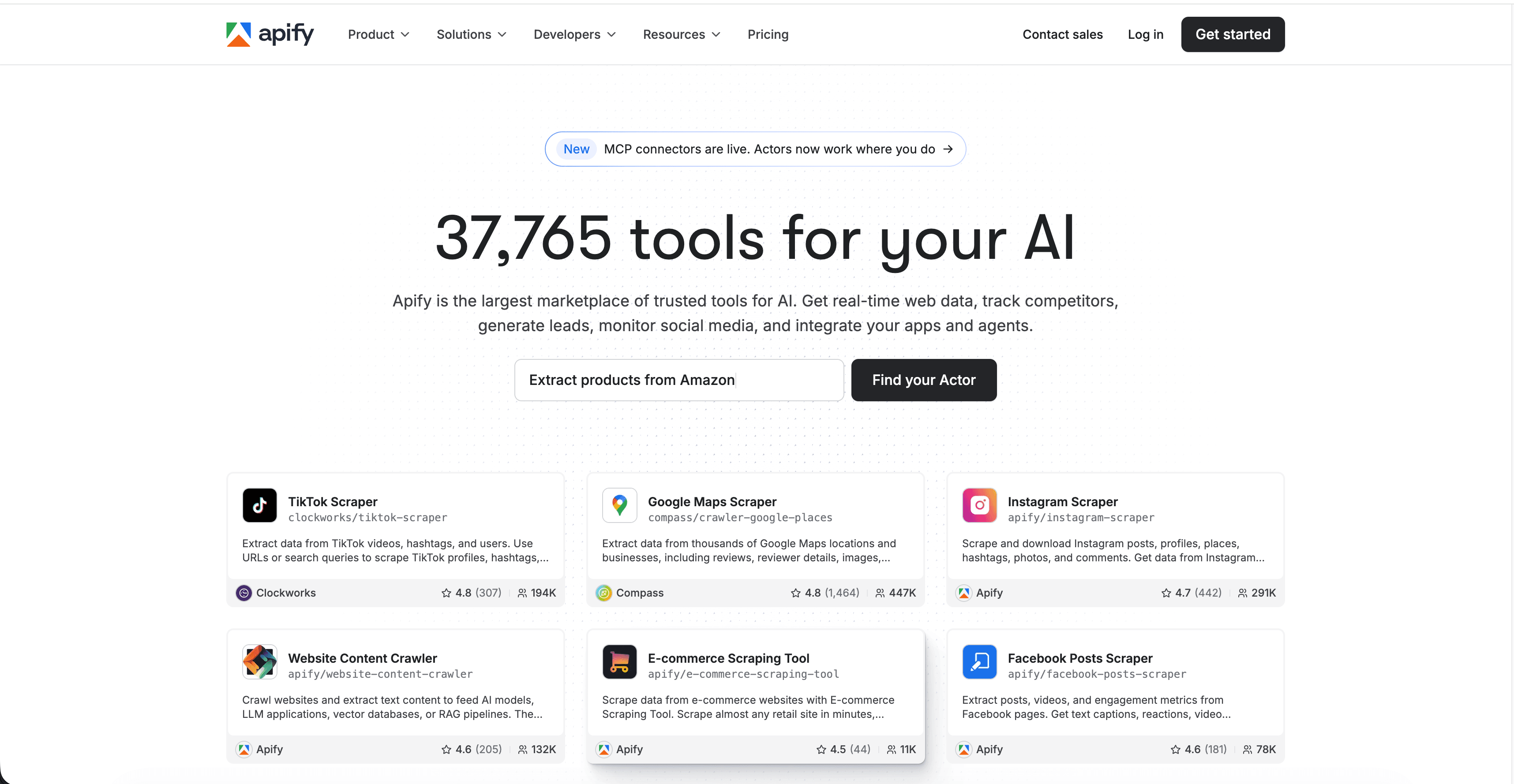
For sites without an existing actor, you write your own in JavaScript or Python and host it on Apify’s infrastructure. That dual model (marketplace plus custom) is what makes Apify scale across diverse multi-site projects.
Type: Developer platform with Actor marketplace.
Best for: Developer teams who want pre-built scrapers where available and custom Actors where not.
Key features:
- Thousands of pre-built Actors for major sites;
- Proxy management, scheduling, and monitoring built-in;
- Custom Actor SDK in Python and JavaScript;
- Integrates with Make, Zapier, and webhooks.
Pros: Huge catalog reduces development time. Strong dev tooling. Predictable pay-as-you-go.
Cons: Maintenance overhead when target sites change. Costs climb on heavy workloads.
Pricing: Free plan; Starter $29/month; Scale $199/month.
4. Bright Data: Enterprise Multi-Site Data Infrastructure
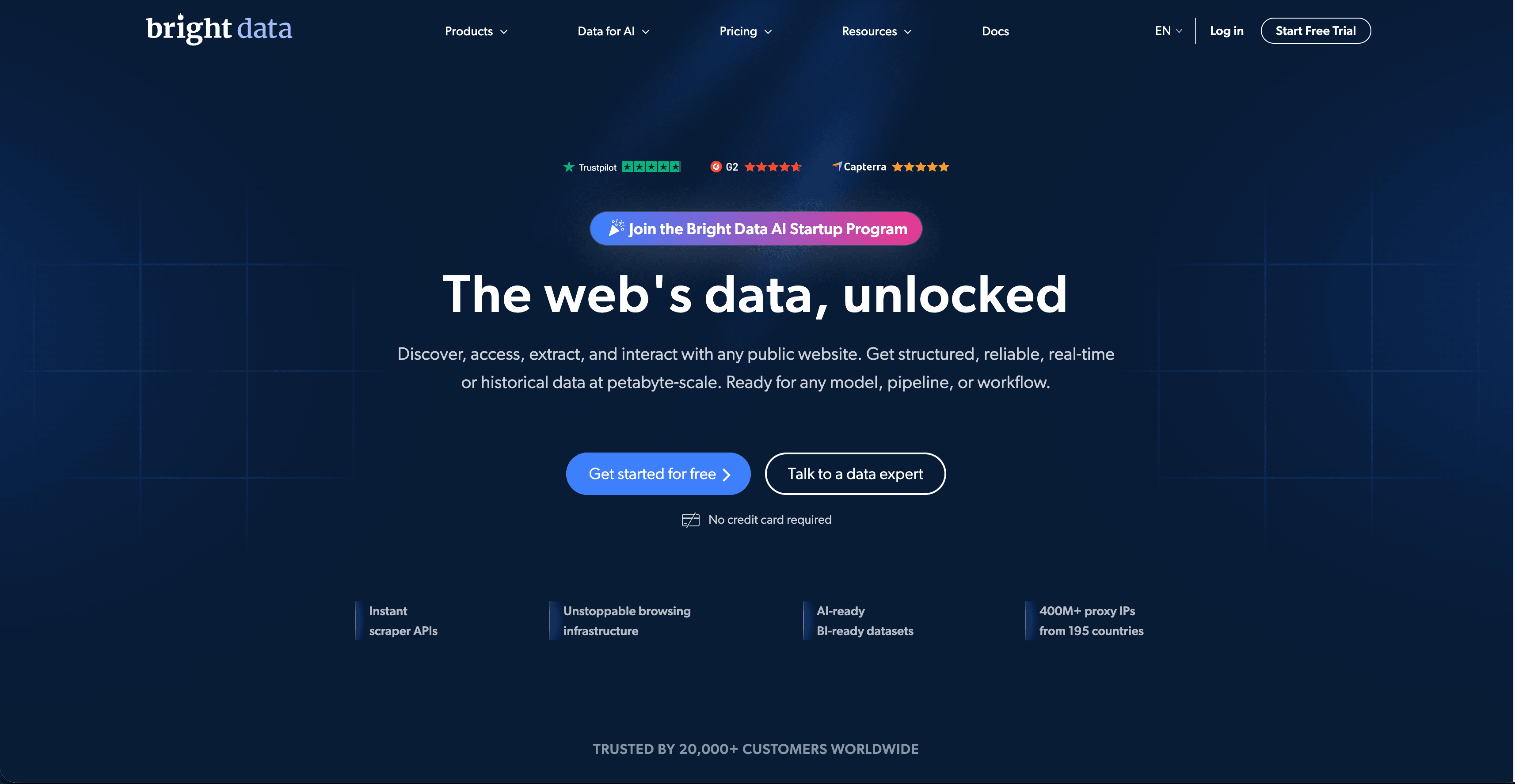
Bright Data is the heavyweight of web data infrastructure. Beyond the Web Scraper IDE, a visual environment for building JS-based scrapers, Bright Data ships a Datasets Marketplace with pre-collected data from large public sites, plus residential and ISP proxy networks and unblocking infrastructure. It’s overkill for small jobs but unmatched at scale.
Type: Enterprise data infrastructure plus visual IDE.
Best for: Large-scale, mission-critical multi-site collection with aggressive anti-bot targets.
Key features:
- Web Scraper IDE with visual and code workflows;
- Datasets Marketplace for pre-collected data;
- Residential, ISP, and mobile proxy networks;
- Unblocking API for heavily protected targets.
Pros: Best-in-class proxy infrastructure. Pre-collected datasets save weeks for common targets.
Cons: Enterprise pricing. Steep learning curve.
Pricing: Usage-based, premium tier. Custom quotes for high-volume. Scraper API starts from $0.75/1k rec.
5. ScrapingBee: One API Call, Any Site
ScrapingBee is a scraping API that handles JavaScript rendering, proxy rotation, and headless browser orchestration behind a single HTTP endpoint. Send a URL, get back clean HTML or structured JSON for supported endpoints like Amazon, SERP, and real estate. For multi-site work, the uniform interface is the selling point: same API call across hundreds of sites.
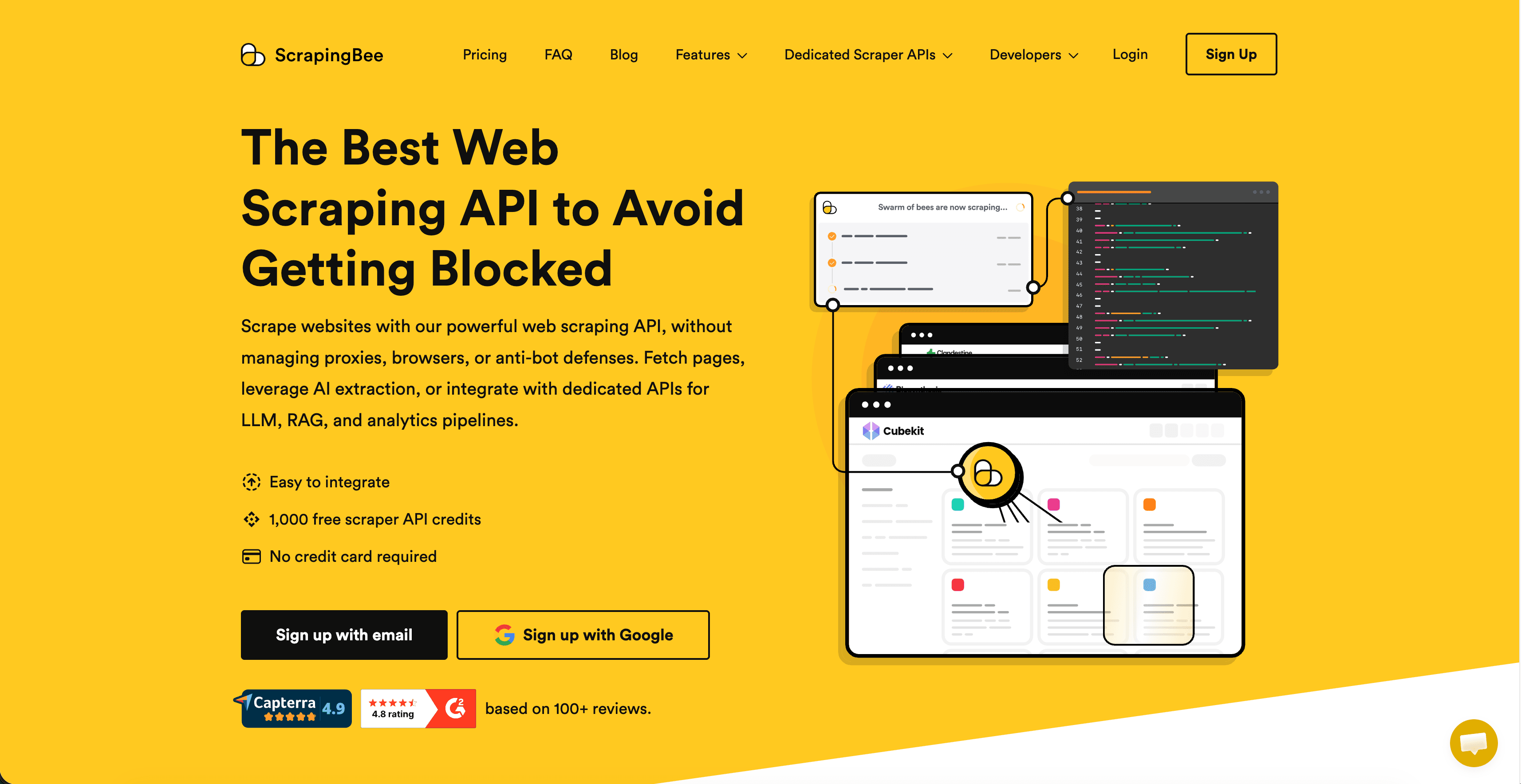
Type: Scraping API with JS rendering.
Best for: Developers who want a single API rather than maintaining browser fleets.
Key features:
- Automatic JS rendering;
- Rotating residential and datacenter proxies;
- Pre-built endpoints for Amazon and SERPs;
- Simple HTTP / Python / Node SDKs.
Pros: Easiest API integration. Predictable per-request pricing.
Cons: Heavy JS pages chew through credits. Less flexible than full frameworks for edge cases.
Pricing: From $49/month for ~250K credits.
6. Browse.ai: Train Robots to Watch Pages
Browse.ai lets you record a path through a website (clicking, selecting, paginating) and saves it as a “robot” you can re-run on a schedule. For multi-site monitoring use cases (track competitor prices across 20 sites, watch job boards for new postings), it’s hard to beat for setup speed.
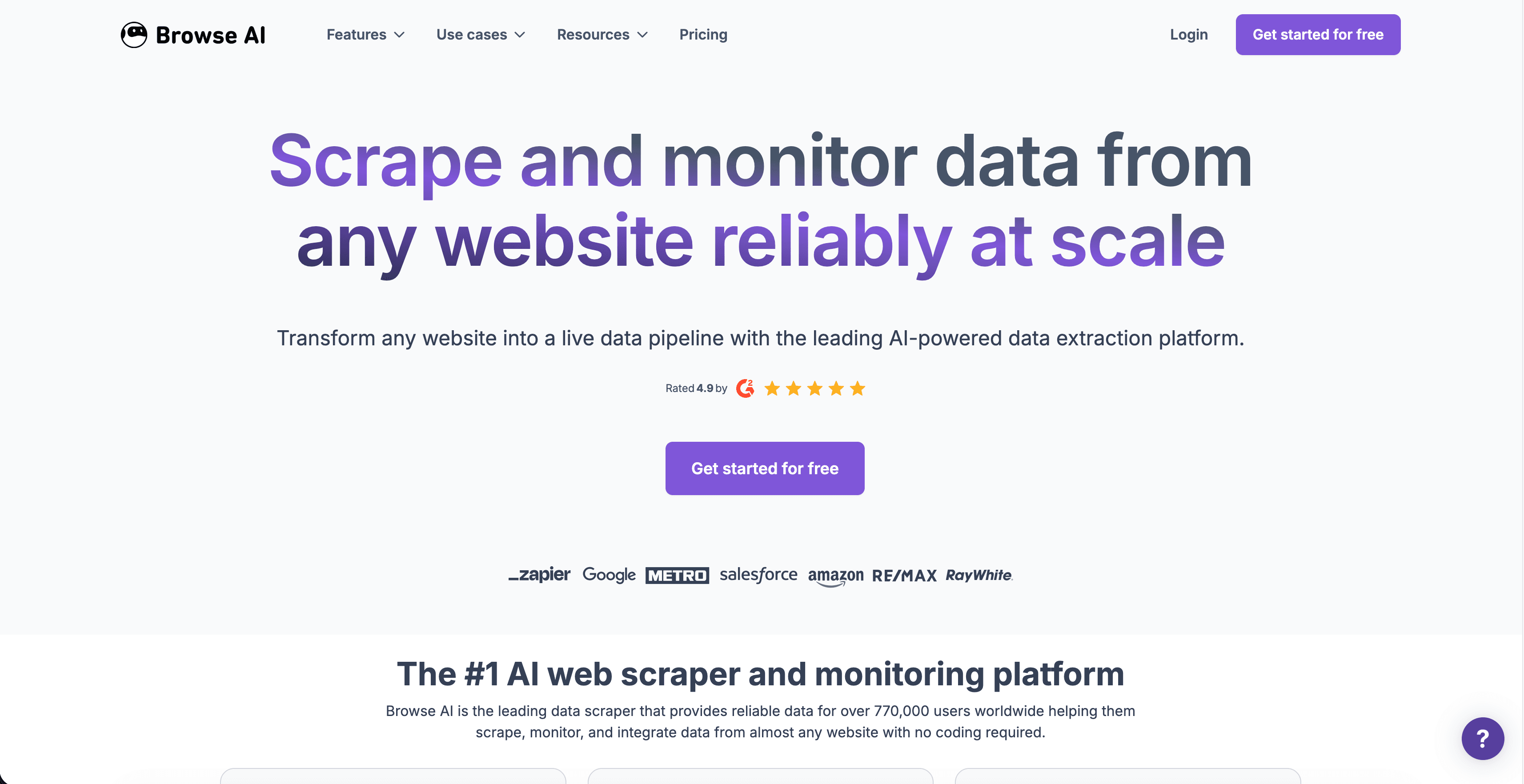
Type: Train-a-robot UI scraper.
Best for: Recurring monitoring of specific multi-site targets.
Key features:
- Point-and-click robot training;
- Pre-built robots for common sites;
- Scheduled runs with email/Slack alerts;
- Integrations with Google Sheets, Airtable, Zapier.
Pros: Genuinely beginner-friendly. Strong for monitoring workflows.
Cons: Less flexible for complex extraction logic. Each robot is per-site, so multi-site projects need one robot per target.
Pricing: 100 free daily credits; paid plans from $16/month.
7. ParseHub: Free-Tier Visual Scraper
ParseHub is a desktop visual scraper that handles AJAX, infinite scroll, and login flows through a point-and-click interface. It has a notably generous free tier (200 pages per run, 5 public projects), which makes it the go-to for one-off multi-site research projects on a budget.
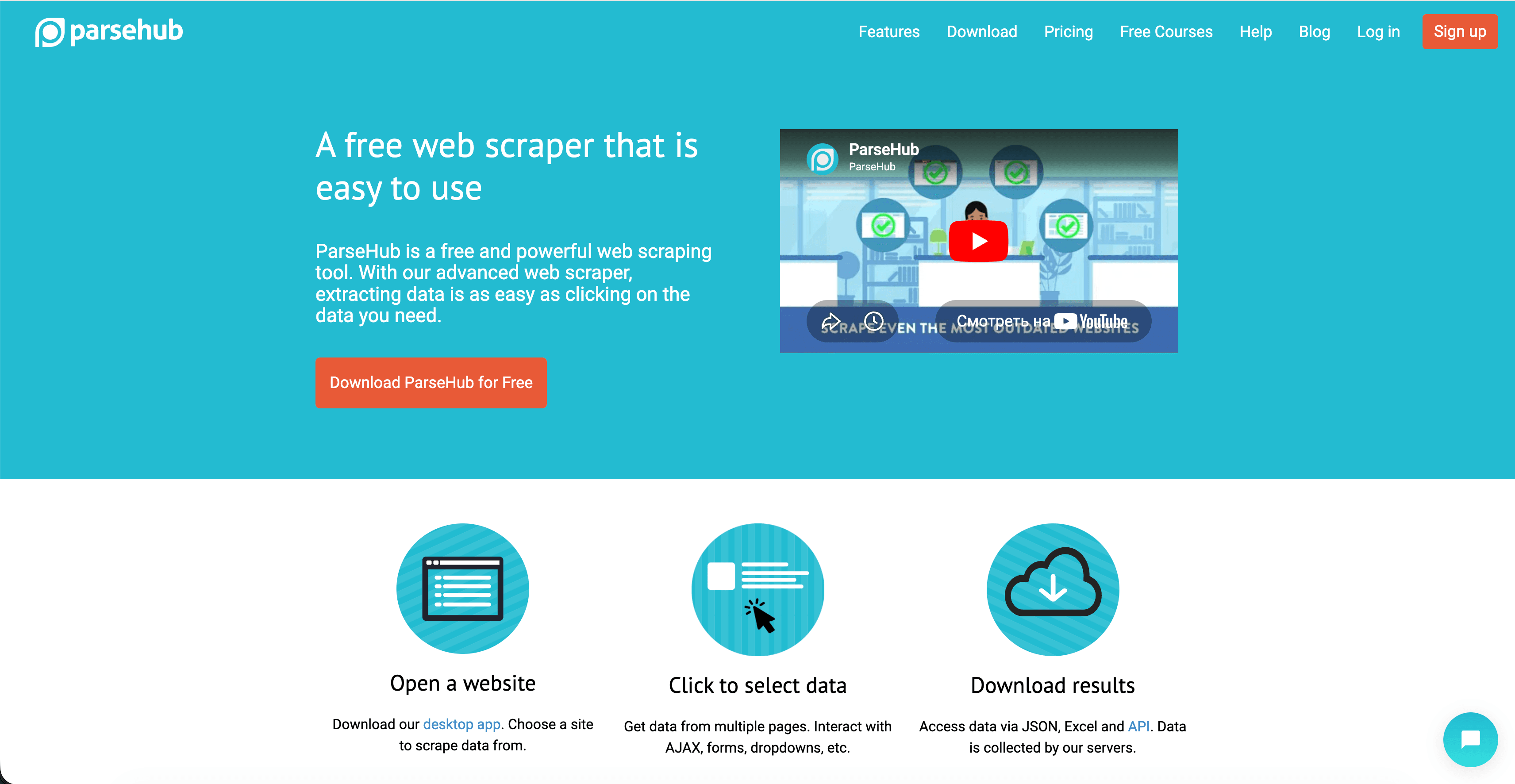
Type: Desktop visual scraper.
Best for: Free-tier multi-site projects with moderate complexity.
Key features:
- Visual point-and-click workflow builder;
- Handles JS, AJAX, infinite scroll;
- API access on paid plans;
- Cloud runs on Standard tier and above.
Pros: Strong free plan. Handles dynamic content better than most visual scrapers.
Cons: Slower than cloud-native competitors. Desktop-only on the free tier.
Pricing: Free; Standard $189/month; Professional $599/month.
8. Zyte: Scrapy, Plus Managed Infrastructure
Zyte is the company behind Scrapy, the most-used open-source Python scraping framework. Their commercial product wraps Scrapy with managed run-time, AI-powered extraction, and a global proxy network. If your team already lives in Scrapy, Zyte is the path from “running spiders on a laptop” to “running them at scale.”
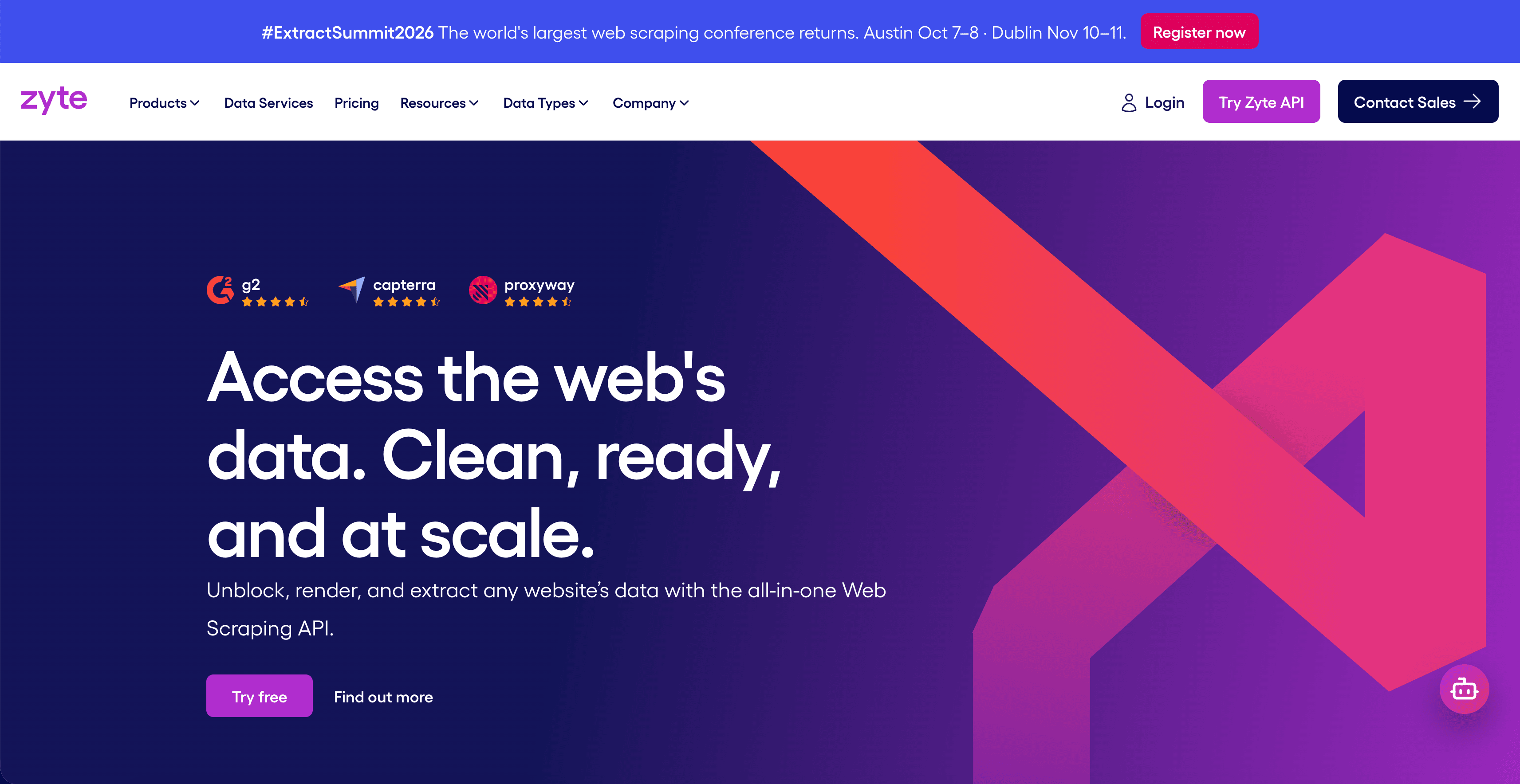
Type: Scrapy plus managed infra plus AI extraction.
Best for: Engineering teams scaling existing Scrapy projects across many sites.
Key features:
- Scrapy Cloud for spider hosting;
- Smart Proxy Manager with rotating IPs;
- Automatic Extraction API (AI-powered);
- Sub-100ms latency on global edge.
Pros: No overage penalties; excess usage billed at discounted rates. Strong dev ecosystem.
Cons: Steeper learning curve for non-Scrapy users.
Pricing: Pay-as-you-go from $0.13–$1.27 per 1K HTTP responses; volume commits as low as $0.06/1K.
9. Scrapy: The Open-Source Workhorse
Scrapy is a free, open-source Python framework for building scalable web crawlers. It’s asynchronous, memory-efficient, and battle-tested for large-scale multi-site projects. No price, no vendor lock-in. Just code.
Type: Open-source Python framework.
Best for: Engineering teams building custom crawlers across many sites.
Key features:
- Asynchronous, high-throughput;
- Extensible middleware system;
- Built-in pipelines and item exports;
- Huge community and library ecosystem.
Pros: Free. Battle-tested. Unmatched flexibility.
Cons: Python required. No GUI. You own the operations.
Pricing: Free.
10. Playwright: Browser Automation for the Hard Sites
Playwright is Microsoft’s open-source browser automation framework. It controls Chromium, Firefox, and WebKit headlessly, handles JavaScript-heavy sites, and supports Python, Node.js, Java, and .NET. For multi-site projects where some targets are heavily JS-rendered or login-gated, Playwright is usually the answer.
Type: Open-source browser automation.
Best for: Engineers scraping JS-heavy or login-gated sites.
Key features:
- Multi-browser, multi-language support;
- Network interception and request mocking;
- Auto-waits for elements (less flaky than Selenium);
- Codegen for quick scraper drafts.
Pros: Free. Reliable on hard sites. Modern API.
Cons: Resource-heavy. You write the orchestration yourself.
Pricing: Free.
How Do You Handle CAPTCHAs Across Different Sites?
You handle CAPTCHAs across different sites by routing every CAPTCHA challenge through a single solving service, regardless of which CAPTCHA vendor the site uses. That way, your scraper doesn’t care whether it hit reCAPTCHA on one site and Cloudflare Turnstile on the next. Both come back as a token to inject.
In a multi-site pipeline, you’ll typically see the following:
- Google reCAPTCHA v2 / v3 / Enterprise: most common;
- Cloudflare Turnstile: rapidly growing share;
- DataDome / Imperva (Incapsula): high-end e-commerce and travel;
- GeeTest / Tencent CAPTCHA: common on Asian sites;
- hCaptcha / Prosopo / Altcha: privacy-focused alternatives.
Trying to bolt a one-off solver into each scraper is what kills multi-site pipelines. A unified service like CapMonster Cloud exposes one API that handles all the major CAPTCHA types. Your scraper sends the page URL and site key, gets back a solved token, and continues.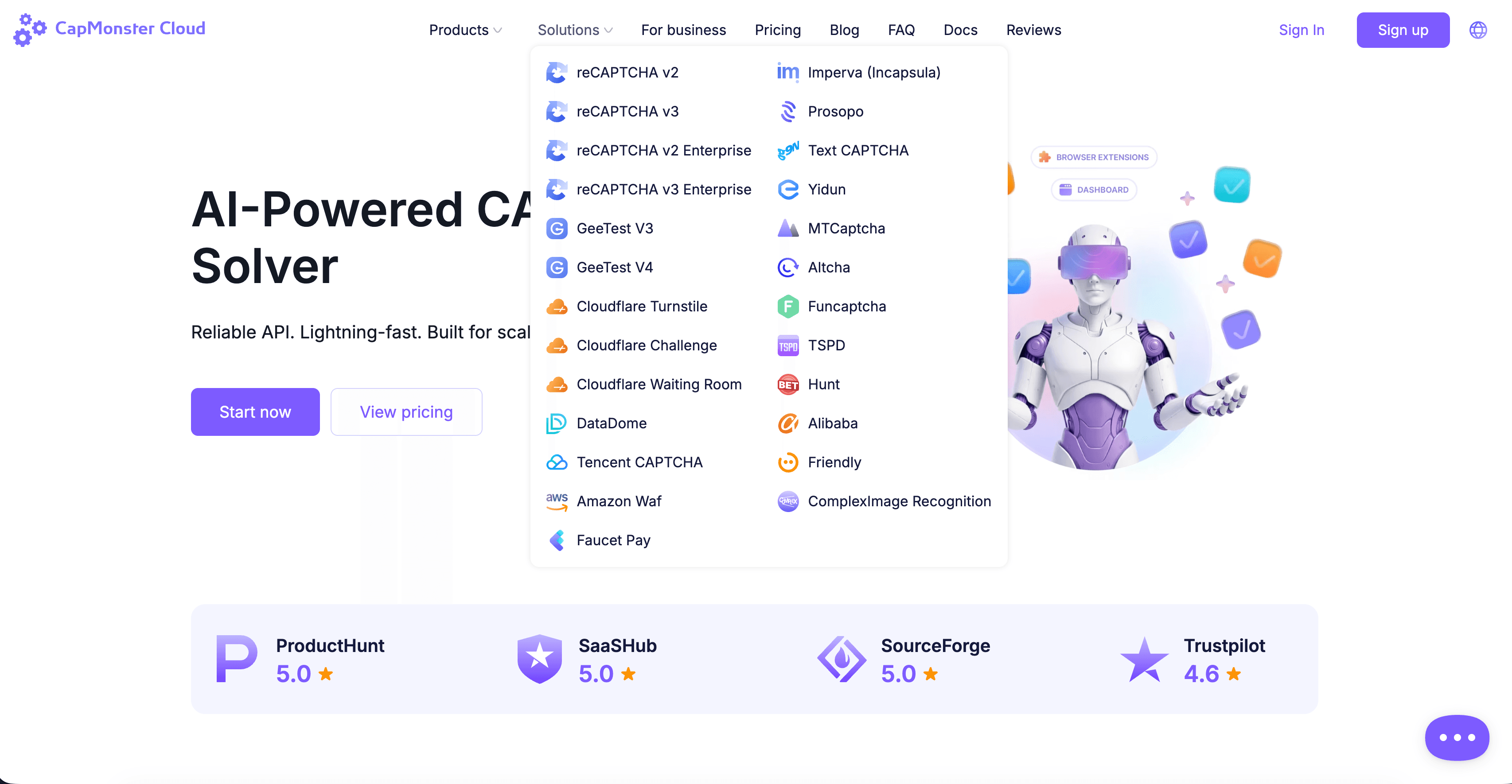
A few practical tips for multi-site CAPTCHA handling:
- Detect early and solve once. Build CAPTCHA detection into the scraper’s response handler so you’re not parsing failed pages.
- Cache solved tokens where the site allows. Some CAPTCHA tokens stay valid for minutes. Reuse them within that window.
- Watch failure rates per target. A site whose CAPTCHA success rate suddenly drops is usually testing new bot signals. Rotate your fingerprint stack before pushing more traffic.
What Does a Practical Workflow Look Like for Running a Web Scraper Across 50+ Sites?
A practical workflow for running a web scraper across 50+ sites pairs the right scraper for each site type with a unified proxy layer, a unified CAPTCHA-solving layer, and a dedupe-and-export step that normalizes output. Each site becomes a plug-in, not a rewrite.
Here’s the high-level architecture we recommend.
Step-by-step:
Segment your target list. Group sites by complexity. Static and template-friendly sites can go to a no-code scraper like Octoparse. Highly dynamic or unusual layouts can go to an AI web scraping agent, where you just describe what you want in plain English. Login-gated and JS-heavy sites belong on Playwright or a managed API like Bright Data.
Standardize the output schema. Decide upfront what columns every record needs (source_url, title, price_usd, scraped_at). Force every scraper to emit this schema. Mismatched columns are where multi-site pipelines fall apart.
Centralize proxy rotation. Use a single residential proxy provider across all scrapers. Per-scraper proxies create blind spots and uneven session quality.
Centralize CAPTCHA solving. Route every CAPTCHA encounter through one API. CapMonster Cloud or equivalent gives you a single token endpoint for every CAPTCHA type your scrapers see.
Rate limit per-site, not globally. A global rate limit slows your fast sites to match your slow ones. Per-site limits respect each target’s tolerance.
Dedupe at ingest. Hash records on a stable key (source_url + product_id) before they hit your warehouse.
Monitor success rate per site. Track scraping success as a per-site KPI. A sudden drop usually means the site shipped new bot defenses, not that your scraper “broke.”
What I noticed once we adopted this architecture on the 38-site project I mentioned at the top: most of the maintenance burden moved from “fixing scrapers” to “watching the per-site success-rate chart.” When a site’s number dipped, we knew exactly which scraper to touch. The rest kept running.
What to avoid:
• One mega-scraper trying to handle every site. Different problems, different tools.
• Hard-coded selectors when a semantic AI extraction would generalize better.
• Skipping the legal review. Scrape only public data, respect robots.txt and terms of service, and never collect personal data without a lawful basis.
Conclusion: Picking the Right Web Scraping Tools for Multi-Site Data
The best web scraping tools for multi-site data extraction in 2026 aren’t a single category. They’re a stack. Non-coders running batches of tens of thousands of records get the most leverage from an AI scraper like Chat4Data. Teams running recurring scrapes across similar layouts win with Octoparse’s templates. Engineering teams pushing millions of records will live in Scrapy, Zyte, or Bright Data.
The pattern that breaks pipelines is using one tool for everything. The pattern that scales is matching tools to site types, centralizing proxies and CAPTCHA solving, and treating each site as a plug-in module behind a normalized schema.
Pick the web scraper that fits the smallest unit of your problem. Standardize everything around it. Add a CapMonster Cloud account to the stack before your scrapers hit their first wall, not after.
NB: Web scraping should be used only for automating testing on your own websites and on websites to which you have legal access. Always respect robots.txt, terms of service, and applicable data-protection laws.
FAQ: Web Scraping Tools for Multi-Site Data Extraction