Slider and Puzzle CAPTCHA: How They Work and How to Solve It
A slider captcha asks you to move a handle along a track. A puzzle captcha gives you a piece to fit into a gap in an image. Some widgets combine the two, using the slider to move the piece into place. This guide explains where you’ll see each format and how they differ from click challenges. It also covers what the CapMonster Cloud API expects when you test your own forms.

Key Takeaways
- You get past a slider by dragging the handle (or a puzzle piece) into the correct position, which the page then either accepts or rejects.
- Slider and puzzle challenges work in a similar way, while click challenges ask the user to click characters, icons or parts of an image rather than drag.
- GeeTest, DataDome, FengkongCloud, ARCaptcha, NetEase Yidun and Tencent all use drag or click challenges on their widgets.
- The CapMonster Cloud slider captcha solver is based on two API calls: createTask for sending the page parameters and getTaskResult for receiving the solution.
- FengkongCloud is handled as a CustomTask with the class fengkongcloud, while ARCaptcha uses its own task type called ArCaptchaTask.
What Is a Slider Captcha?
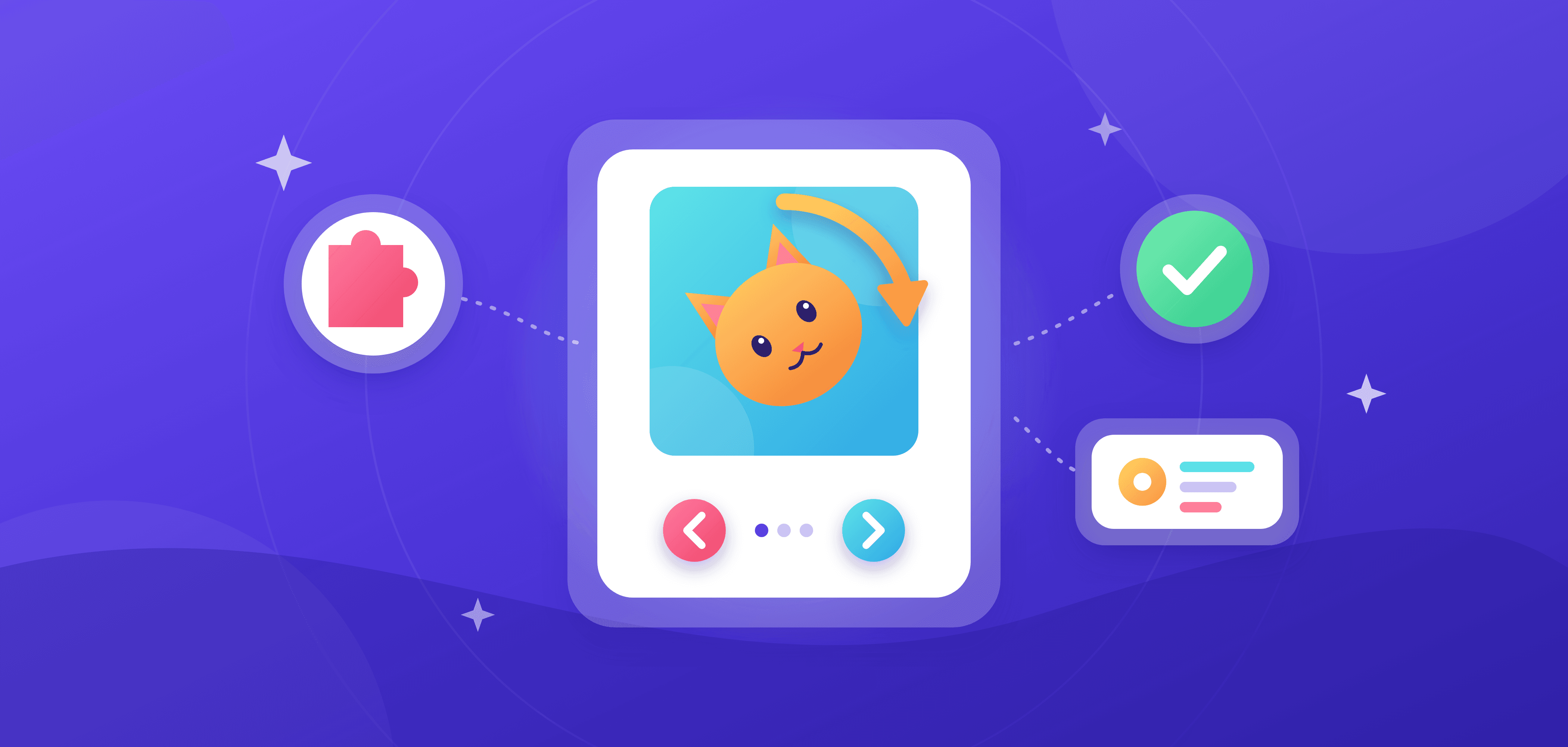
A slider captcha is a check where the user drags a handle or a puzzle piece into the right position before continuing. The widget shows a track with a handle, often next to a picture with a piece missing. Dragging the handle moves the piece across the picture. You let go when it lines up with the cutout, and the page either lets you continue or shows you a new challenge.
What it looks like varies from one vendor to the next. A simple slider captcha example is a bar with an arrow you move all the way to the right. Others are a picture with a shape removed from it and a matching puzzle piece on the left-hand side. You drag the handle, and the piece moves across until it fills the gap. Many have a brief instruction, such as "Drag to complete the puzzle", and a refresh icon to load a new image.
For someone signing up, logging in or checking out, a slider takes one quick swipe. That's a lot easier than typing out warped letters or clicking every image with a traffic light in it. Sites get a way to filter out bot traffic, and they tend to keep the widget for the steps that matter most, like registration or a password reset.
The widget provider determines what goes into your API request, so find out which one the site uses before setting up the test or automation. If you can't tell which one you're dealing with, this walkthrough on how to tell which captcha a site uses will help.
Slider vs Puzzle vs Click Captchas
Sliders, puzzles and click challenges each ask you for a different gesture. A slide puzzle captcha sits between the first two: you drag the handle, and the handle pushes the puzzle piece into the gap.
| Type | What the user does | Where it appears | How it is solved via API |
|---|---|---|---|
| Slider | Drags a handle along a track to a target point | GeeTest, DataDome, FengkongCloud, NetEase Yidun, Tencent | createTask with the provider's task type and page parameters, then getTaskResult returns the solution (for FengkongCloud, a token in solution.data.token) |
| Puzzle (fit the piece) | Drags a puzzle piece into the matching gap in an image | GeeTest, DataDome, ARCaptcha, NetEase Yidun, Tencent | Same two-call flow (for ARCaptcha, the ArCaptchaTask type returns a token in solution.token) |
| Click / select | Clicks icons, characters or image areas in the order a prompt gives | GeeTest (icon selection), FengkongCloud, NetEase Yidun, Tencent | Check the provider's task page for the variants it lists; the FengkongCloud page shows only a slider example |
It's very difficult to draw a clean line between the first two rows. With a sliding puzzle captcha the piece moves with the handle, so one action covers both. On some sites the widget can switch from a slide to a puzzle to a click challenge on the same page, so a script written for one type of gesture won't be very durable. That's not an issue with token-based tasks such as FengkongCloud and ARCaptcha. Their required inputs are the page URL and the site key, not a picture of the challenge.
Slider Captcha Examples
Each slider captcha example below shows a different widget. The layout and instructions vary, as does what happens when you release the handle. Here are four you might encounter when testing your own forms.
GeeTest v4 uses a compact widget. In slide mode you drag the handle until a piece slots into the gap in the background image. Other modes include icon selection, Match-Three, Gobang and OneTap Pass. All the parameters and task setup are on the GeeTest v4 solver page.
DataDome can appear as a full-page interstitial or as an embedded frame with a sliding puzzle captcha: a background image, a puzzle piece and a slider beneath it. The DataDome solver page details how CapMonster Cloud deals with it.
The FengkongCloud widget can present a slider puzzle, a character selection or an icon selection task; the CapMonster Cloud docs use the slider as their example. The widget's scripts load from castatic.fengkongcloud.com, which makes the provider easy to spot in the Network tab.
ARCaptcha has three challenge types: Hidden (invisible), Puzzle and Classic. In Hidden mode you see nothing at all unless the widget asks for further verification. Puzzle mode shows a visible drag challenge.
How to Solve a Puzzle Captcha with an API
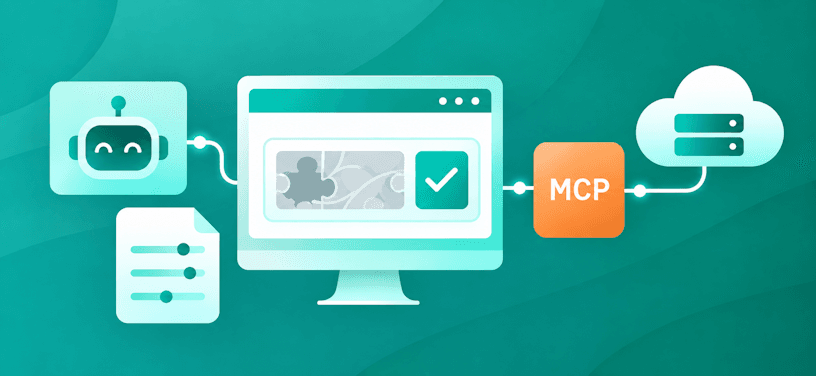
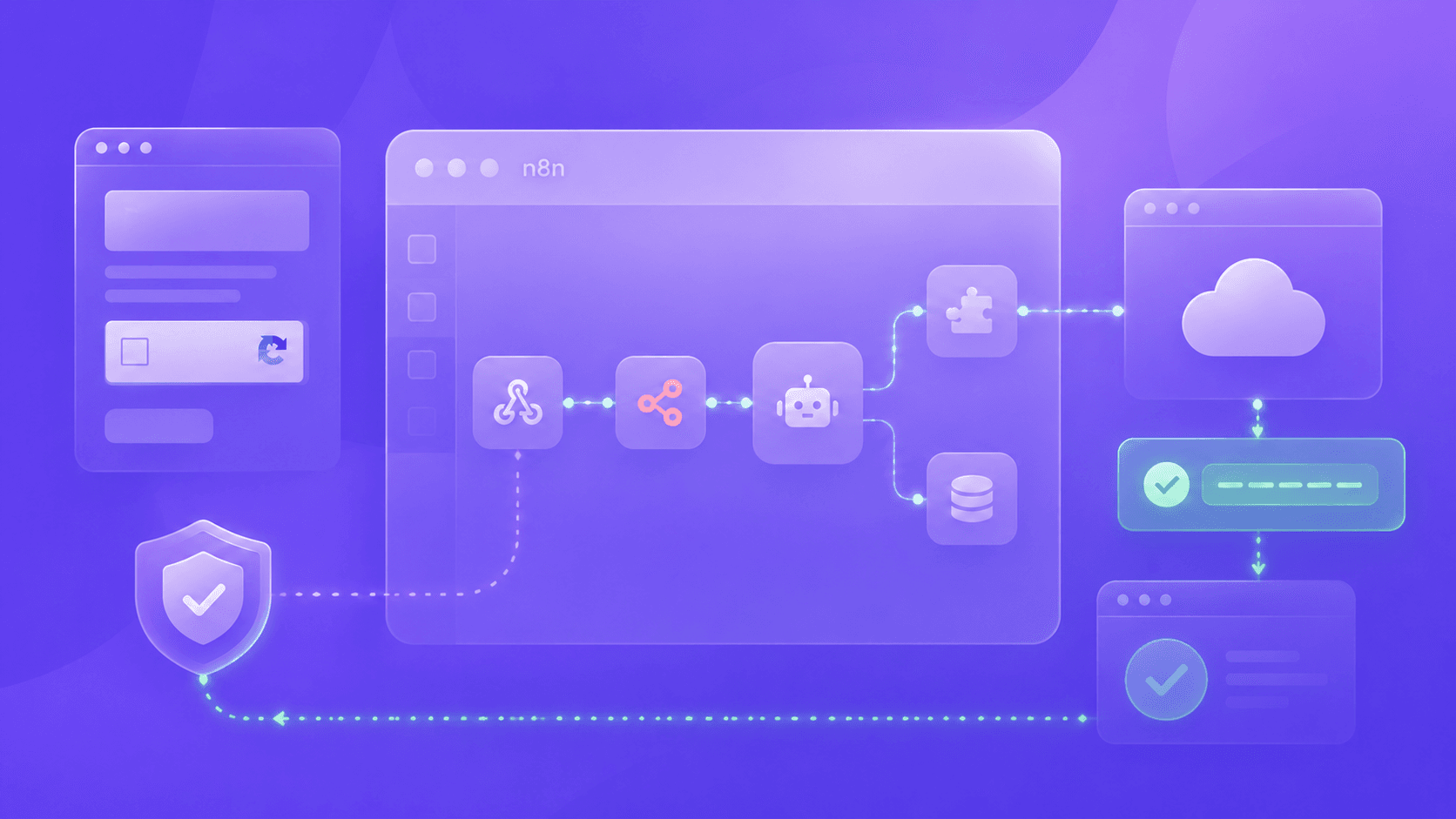
Learning how to solve puzzle captcha challenges through an API comes down to two calls: createTask and getTaskResult. A slider captcha solver or puzzle captcha solver does not drag anything in your browser. It receives the page parameters and returns a solution for your script to use.
createTask. Send a JSON POST to https://api.capmonster.cloud/createTask with your clientKey and a task object. A successful response has errorId 0 and a taskId.
getTaskResult. Send the clientKey and taskId to https://api.capmonster.cloud/getTaskResult. While status is processing, wait at least 2 seconds and ask again. When status is ready, the solution object holds the result, and its structure depends on the task type.
The documentation for each provider explains how to solve puzzle captcha challenges with its task type. Request fields and response formats vary. ARCaptcha returns a token, for example, and DataDome returns cookies.
Example ARCaptcha createTask request
{
  "clientKey": "API_KEY",
  "task": {
    "type": "ArCaptchaTask",
    "websiteURL": "https://example.com/",
    "websiteKey": "your-website-key",
    "isInvisible": false,
    "userAgent": "userAgentPlaceholder"
  }
}
Keep your real API key on the server side or in environment variables. Don't hard-code it in client-side scripts or commit it to a repository.
FengkongCloud Captcha
FengkongCloud is a captcha service designed to protect websites from automated activity. The Fengkong captcha can show a slider puzzle, ask visitors to select characters from a prompt, or have them click icons in an image. CapMonster Cloud’s task documentation shows the slider as its example.
You'll know a site runs the Fengkong captcha if it loads widget scripts from castatic.fengkongcloud.com and makes a /conf request. Both matter, because that's where the task values come from. Open Developer Tools, reload the page and find the /conf request. It carries the identifiers the widget was initialised with, and the FengkongCloud task documentation tells you which of them goes into websiteKey.
| Task field | Value or purpose |
|---|---|
| type | CustomTask |
| class | fengkongcloud |
| websiteURL | Required. Address of the page with the captcha |
| websiteKey | Required. Widget key taken from the page |
| metadata.apiJsUrl | Optional URL of the widget script |
| userAgent | Optional browser User-Agent |
The FengkongCloud solver returns the token in solution.data.token when the task is ready. See the FengkongCloud captcha solver documentation for the task reference.
ARCaptcha
ARCaptcha is a privacy-focused tool for blocking automated activity with three modes. Hidden mode checks in the background and asks for extra verification only when it suspects a bot. Puzzle mode shows a visible drag-the-piece challenge. Classic is the third, traditional challenge format.
Search results and forum posts sometimes call it “AR captcha.” If you’re checking a page you maintain, look at the widget’s setup code to confirm the provider. The HTML widget may use the data-site-key attribute, and the React component uses the site-key prop. Depending on the integration, you may also see site_key or sitekey in the widget settings.
If you're running an ARCaptcha bypass as part of testing your own forms, here's what the task needs:
| Task field | Value or purpose |
|---|---|
| type | ArCaptchaTask |
| websiteURL | Required. Address of the page with the captcha |
| websiteKey | Required. The widget's site key |
| isInvisible | Optional flag for an invisible widget |
| userAgent | Optional browser User-Agent |
The first response, from createTask, contains the taskId. Keep polling getTaskResult with it until the task is ready, and then read the token from solution.token, which is also covered in the ARCaptcha solver documentation.
Other Chinese Captcha Providers
Tencent’s TCaptcha offers slider and click challenges. CapMonster Cloud covers both formats in its Tencent challenge guide. It also has a separate Yidun (NetEase) guide and an Alibaba captcha guide.
Errors and Tips
If a task fails, check the API error code first.
- CAPTCHA_NOT_READY: the task is still being solved. Call getTaskResult again, at least 2 seconds after the previous request.
- ERROR_TOO_MUCH_REQUESTS: the request limit has been exceeded. Increase the interval between requests. Each task allows up to 120 getTaskResult requests.
- ERROR_NO_SUCH_CAPCHA_ID: the task does not exist, its result is no longer stored or the ID has the wrong format. Check that the task ID is correct. If the result has expired, create a new task.
- ERROR_WRONG_USERAGENT: the request contains an invalid User-Agent. Use the current value from the CapMonster Cloud User-Agent endpoint instead of the userAgentPlaceholder from the examples.
- ERROR_CAPTCHA_UNSOLVABLE: The service couldn’t solve the challenge. Check that the task parameters are correct and current before retrying.
- ERROR_TASK_NOT_SUPPORTED: check the value of the type property.
FAQ

Conclusion
Whatever the visitor sees, a slider or a puzzle, solving it through the API starts with identifying the provider. For FengkongCloud, that means a CustomTask with the fengkongcloud class. For ARCaptcha, it's ArCaptchaTask, with isInvisible set to true only in hidden mode.
Get a CapMonster Cloud API key to start testing, and refer to the CapMonster Cloud API documentation for the parameters of each task.