Top 5 Programming Languages for Web Scraping
+ a method for successfully solving captchas
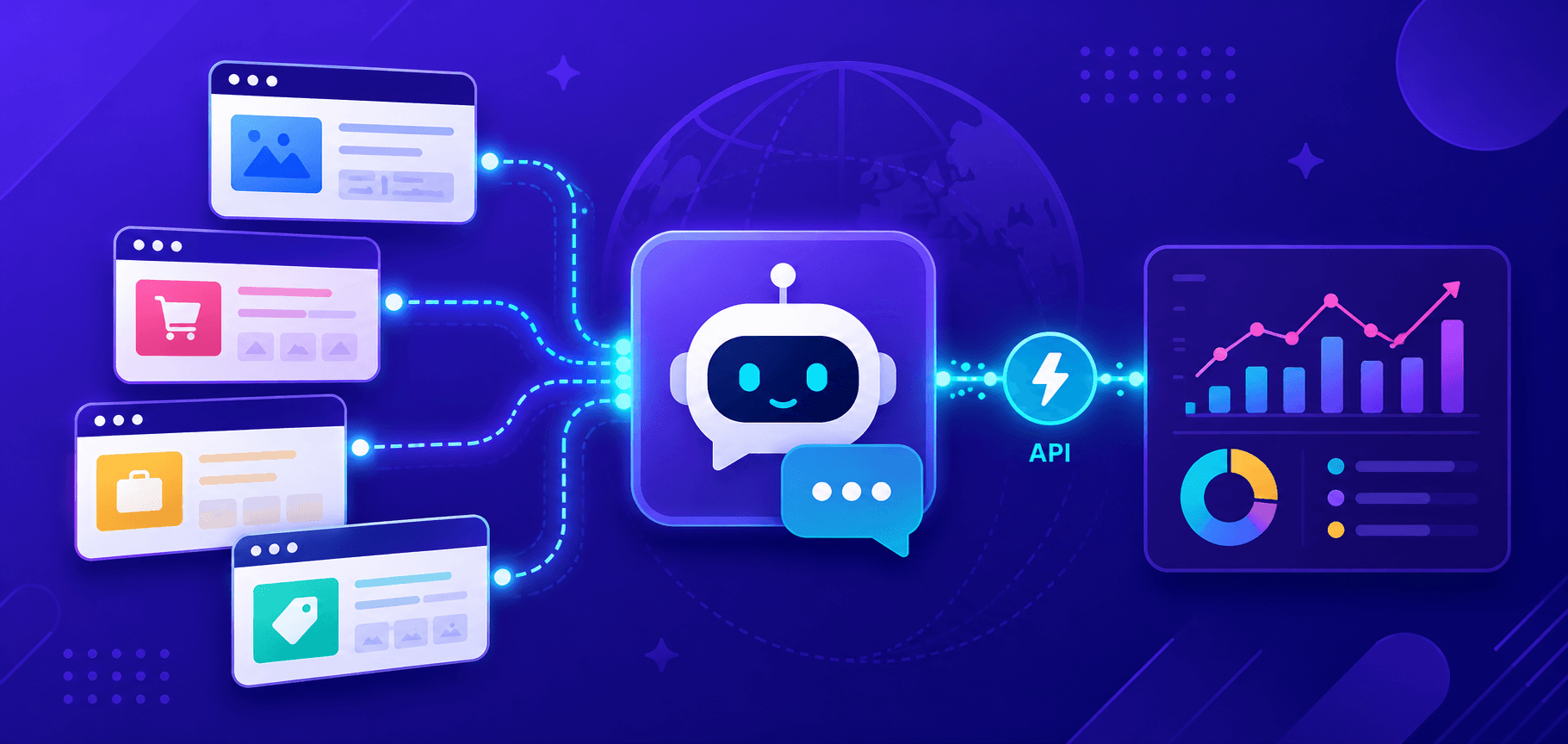
Collecting large volumes of data for further analysis, forecasting, monitoring, and many other tasks has become the foundation of numerous industries. Using web scraping (or data extraction) with programming languages helps save both time and resources.
The effectiveness of web scraping depends on how it is implemented. Among the many programming languages available, only a few can truly be considered the best for this purpose. In this article, you will learn which languages are most suitable for collecting information, the advantages of each of them, as well as an effective method for automatically solving captchas during the data extraction process.

1. Python
Today, Python is considered one of the most popular programming languages for web scraping. This is due to several very significant reasons, which make it the leader of our list.
Adaptability, flexibility, simplicity, and ease of use
Python has a clear and simple syntax, and it also integrates easily with other tools and technologies. Thanks to its versatility, its use can be imagined in almost any project or application. Therefore, it is not surprising that even beginner programmers can quickly create scripts for collecting data from websites.
Performance
Python is capable of supporting parallelism and multiprocessing, which allows it to efficiently process and manipulate large volumes of data. In addition, it can perform asynchronous operations, which increases performance. All of this makes it an ideal choice for web scraping.
A large number of libraries and extensive community support
Python offers many specialized libraries for web scraping, such as BeautifulSoup, Requests, Scrapy. These tools simplify working with HTML, XML, and other data formats, as well as the overall process of collecting information. Python also has a large developer community that actively creates and maintains libraries and tools for web scraping. This encourages collaboration and ensures continuous access to advanced methods and solutions. Thanks to the community’s dedication to the language’s development, Python remains one of the leaders among the best programming languages worldwide.
Example of web scraping in Python (using the Requests and BeautifulSoup libraries):
import requests
from bs4 import BeautifulSoup

url = "https://example.com"

response = requests.get(url)

soup = BeautifulSoup(response.content, "html.parser")

title = soup.find("title").text

print("Title:", title)
This code sends a request to the specified URL and then uses BeautifulSoup to parse the page’s HTML code. It then finds the <title> tag and prints its text, which represents the page title.
2. JavaScript
JavaScript integrates easily with HTML, making it convenient for client-side use. Thanks to Node.js, deploying a scraper on the server side also becomes straightforward. This flexibility allows developers to choose the most suitable approach for their projects.
Without Node.js, JavaScript would be limited for web scraping, since it was originally designed for basic scripting in browsers. Node.js brought JavaScript to the server side, making it possible to easily open network connections and store data in databases. These features made JavaScript one of the best programming languages for web scraping.
Performance
JavaScript demonstrates strong performance thanks to improvements in resource usage on both the client and server sides. JavaScript’s ability to handle asynchronous operations makes it ideal for large-scale projects, allowing multiple requests to be processed simultaneously without performance loss.
Community support and libraries
The JavaScript community is actively evolving, providing developers with support and collaboration opportunities. This encourages innovation in the field of web scraping. JavaScript offers a wide selection of libraries for web scraping: Axios, Cheerio, Puppeteer, Playwright, and others, each designed to meet different requirements.
Although the single-process-per-CPU-core advantage limits Node.js when performing heavy data collection tasks, for simple web scraping tasks Node.js remains an excellent choice thanks to its lightweight and flexible capabilities.
Example of web scraping in JavaScript (Node.js):
const axios = require('axios');
const cheerio = require('cheerio');

async function getPageHTML(url) {
    const response = await axios.get(url);
    return response.data;
}

function parseTitle(html) {
    const $ = cheerio.load(html);
    return $('title').text();
}

const url = 'http://example.com';

getPageHTML(url)
    .then(html => {
        const title = parseTitle(html);
        console.log('Page title:', title);
    });
This code sends a GET request to the web page at the specified URL (http://example.com), loads the received HTML code of the page, and then uses the Cheerio library to parse the page title from the HTML and output it to the console.
3. Ruby
Perhaps the main advantage of Ruby is its ease of use, which makes it one of the most popular open-source programming languages. It is important to note that the advantages of using Ruby are not limited to its simple syntax and other similarly accessible features.
Interestingly, Ruby also surpasses Python in the area of cloud development and deployment. This can be explained by the Ruby Bundler system, as it efficiently manages and deploys packages from GitHub, making Ruby an excellent choice if your requirements are focused on simple and smooth web scraping.
Excellent frameworks make Ruby an ideal choice for web scraping. Here are all the reasons why Ruby is so well-suited for data extraction:
Flexibility
Ruby’s simplicity makes it easier to create clean and easily modifiable code.
Performance
Ruby provides a sufficient level of performance for web scraping thanks to its built-in garbage collection and memory management.
Elegant syntax makes Ruby appealing to both beginners and experienced developers.
Community support
The active Ruby community provides extensive support and resources for all skill levels.
Web scraping libraries
Many Ruby libraries, such as Nokogiri and Mechanize, simplify both the coding process and web scraping itself.
Example of web scraping in Ruby:
require 'nokogiri'
require 'open-uri'

url = 'https://www.example.com'

html = open(url)

doc = Nokogiri::HTML(html)

title = doc.at_css('title').text

puts "Page title: #{title}"
The purpose of this scraper is similar to the previous examples in Python and JavaScript — finding and printing the title of a web page to the console. This code sends a request to the specified URL, loads the HTML content of the page, and then uses the Nokogiri library to parse and locate the page title tag (<title>). The title is then displayed on the screen.
4. C++
Although C++ may require deeper learning and more effort to write and maintain compared to some simpler programming languages, its performance and flexibility surpass any other language on this list. If an easy-to-understand syntax and simplified structure are not your top priorities, if you have enough experience with this language, and if high-speed processing of large volumes of data is important to you, then C++ will be the optimal choice. Let us look at the main advantages that justify including C++ in our ranking:
Flexibility
C++ offers a high level of flexibility thanks to its access to low-level system resources, which makes it ideal for a wide variety of use cases.
Performance
It is a compiled language, unlike interpreted languages such as Python or JavaScript, which require an interpreter for execution. This directly affects execution speed. C++ is considered difficult to learn because of its closeness to machine code, requiring an understanding of how computers work and the use of complex constructs. However, learning C++ is worth the effort, since it allows developers to create advanced applications that can run on various types of hardware.
Community support
C++ has extensive community support and resources provided by companies and associations.
Web scraping libraries
This language also has a number of web scraping libraries that simplify the process of data extraction and analysis, such as libcurl, Boost.Asio and libtidy.
Example of web scraping in C++:
#include <iostream>
#include <string>
#include <curl/curl.h>
#include <htmlcxx/html/ParserDom.h>

using namespace std;
using namespace htmlcxx;

size_t writeCallback(void* contents, size_t size, size_t nmemb, void* userp) {
    ((string*)userp)->append((char*)contents, size * nmemb);
    return size * nmemb;
}

string getWebContent(const string& url) {
    CURL* curl;
    CURLcode res;
    string readBuffer;

    curl_global_init(CURL_GLOBAL_DEFAULT);
    curl = curl_easy_init();

    if (curl) {
        curl_easy_setopt(curl, CURLOPT_URL, url.c_str());
        curl_easy_setopt(curl, CURLOPT_WRITEFUNCTION, writeCallback);
        curl_easy_setopt(curl, CURLOPT_WRITEDATA, &readBuffer);
        res = curl_easy_perform(curl);

        if (res != CURLE_OK) {
            cerr << "curl_easy_perform() failed: " << curl_easy_strerror(res) << endl;
        }

        curl_easy_cleanup(curl);
    }

    curl_global_cleanup();
    return readBuffer;
}

string parseTitle(const string& html) {
    HTML::ParserDom parser;
    tree<HTML::Node> dom = parser.parseTree(html);

    tree<HTML::Node>::iterator it = dom.begin();
    tree<HTML::Node>::iterator end = dom.end();

    for (; it != end; ++it) {
        if (it->tagName() == "title") {
            ++it;
            if (it != end) {
                return it->text();
            }
        }
    }

    return "";
}

int main() {
    string url = "https://example.com";
    string html = getWebContent(url);
    string title = parseTitle(html);

    cout << "Page title: " << title << endl;

    return 0;
}
This example provides a general understanding of how page titles can be parsed in C++ using the libcurl and htmlcxx libraries.
5. PHP
PHP is a powerful server-side programming language developed in 1994, and since then it has become one of the most popular languages for web development. PHP was originally designed for creating dynamic web pages, and its syntax and structure make it especially convenient for web scraping. Its capabilities include built-in functions for handling HTTP requests and processing HTML content.
Performance
PHP is an interpreted programming language, which may reduce its execution speed compared to compiled languages such as C++. However, modern versions of PHP, начиная с version 7 and above, include optimizations that significantly improve performance, and this is more than sufficient for many web scraping tasks, especially for small and medium-sized projects. In addition, PHP supports asynchronous requests, which also improves performance.
Flexibility and versatility
PHP easily integrates with various platforms and operating systems, and it also supports a wide range of databases, web servers, and protocols — allowing developers to create flexible and scalable web scraping applications.
Popularity, community support, stability, and reliability
PHP is one of the most popular programming languages for building web applications. It is supported by the majority of hosting providers, making it a convenient choice for web scraping. PHP is known for its stability and reliability, which is why it is considered a preferred programming language for solving web scraping tasks. An active developer community provides support and assistance whenever questions or issues arise.
Web scraping libraries
Thanks to its extensive developer community, there are many libraries and tools that simplify the web scraping process. The most popular of them are: PHP Simple HTML DOM Parser, Panther, Guzzle, cURL.
Example of web scraping in PHP:
<?php
require 'vendor/autoload.php';
use Symfony\Component\Panther\Client;
function getTitle($url) {
    $client = Client::createChromeClient();
    $client->request('GET', $url);
    $titleElement = $client->getCrawler()->filter('head > title');
    $title = $titleElement->text();
    $client->quit();
    return $title;
}

$url = 'https://example.com';
$title = getTitle($url);

echo "Page title: $title\n";
?>
This code uses the Panther library to extract the page title.
What Other Programming Languages Are Worth Mentioning
Each of the programming languages presented in this list has its own advantages for web scraping. With a proper understanding of their features and correct usage, all of them are capable of handling this task effectively. We compiled a list of the most optimal languages for data collection, but besides them, it is also worth considering others such as Go, Rust, Java, and C#. They can also easily handle extracting information from websites, although overall they are still slightly behind the main languages in our ranking (however, one of them may become the perfect choice specifically for you and your tasks).
Here is a brief description of the advantages and disadvantages of each of them for working with data:
Go
Advantages for web scraping:
High speed and efficiency.
Built-in goroutines (lightweight threads in Go that allow efficient execution of parallel tasks within a single process) for simultaneous request processing.
Simple and easy-to-understand syntax.
Availability of essential libraries for HTTP requests and HTML parsing.
Disadvantages for web scraping:
Less flexibility when working with dynamic data.
Lack of high-level libraries (compared to Python).
More complicated HTML parsing.
Fewer resources and examples available (compared to Python).
Rust
Advantages for web scraping:
- Rust’s safety system helps prevent many common errors, such as invalid memory access, making scraping more reliable.
- Rust compiles to machine code, ensuring high performance and efficient resource usage.
- The language has powerful tools for safe concurrent execution, which is useful when processing large volumes of data.
- Rust has a rich ecosystem of libraries that can be useful for web scraping, such as reqwest for HTTP requests and scraper for HTML parsing.
Disadvantages for web scraping:
Rust can be difficult to learn and use due to its safety system and strict typing.
Compared to other languages such as Python, web scraping libraries in Rust are less developed, which may require more development time.
Working with dynamically changing data structures, such as HTML documents, can be more complex.
Java
Advantages for web scraping:
- Java code can be executed on different operating systems without modifications.
- It has an extensive ecosystem of libraries for networking and HTML parsing, such as Jsoup.
- Java offers good performance and scalability, which is important for processing large volumes of data.
Disadvantages for web scraping:
- Java can be too bulky and complex for some web scraping tasks due to strict typing and verbose code.
- Compared to some other languages, development in Java may take more time because it requires writing more verbose code.
- Java offers less flexibility when working with dynamic data structures such as HTML, which can make web page parsing more difficult.
C#
Advantages for web scraping:
- C# has rich capabilities for HTML parsing and network communication.
- The extensive .NET ecosystem and libraries such as HtmlAgilityPack make it easier to build web scrapers.
- C# provides high performance.
Disadvantages for web scraping:
- Despite .NET being cross-platform, C# is still more closely associated with Windows, which may be a limiting factor.
- Some developers consider C# more bulky and less simple compared to other web scraping languages.
- Compared to Python, the web scraping ecosystem in C# may be less developed.
Handling Possible Obstacles in Data Collection
Some websites may impose restrictions in the form of a captcha that must be solved in order to access page content. The cloud service CapMonster Cloud allows automatic solving of such captchas and continuing scraping without interruptions.
To integrate CapMonster Cloud with your code, you will need to follow these steps:
Get your CapMonster Cloud API key: register on the CapMonster Cloud website and obtain your API key.
Install the official CapMonster Cloud library for the required programming language (Python, JavaScript, C#).
Integrate it into your code: use your API key and CapMonster Cloud methods (see the documentation) to send captchas for solving and receive the result.
Send the captcha for solving. After receiving the captcha on the page, send it to the CapMonster Cloud server for solving.
Wait for the captcha solution from the CapMonster Cloud server.
After receiving the captcha solution, use it to continue scraping the web page.
Example code for web scraping and captcha solving using CapMonster Cloud in Python:
# pip install capmonstercloudclient requests beautifulsoup4

import asyncio
import requests

from bs4 import BeautifulSoup

from capmonstercloudclient import CapMonsterClient, ClientOptions
from capmonstercloudclient.requests import RecaptchaV2Request


async def solve_recaptcha_v2(api_key, page_url, site_key):
    client_options = ClientOptions(api_key=api_key)

    cap_monster_client = CapMonsterClient(options=client_options)

    recaptcha_request = RecaptchaV2Request(
        websiteUrl=page_url,
        websiteKey=site_key,
        userAgent="Mozilla/5.0 (Windows NT 10.0; Win64; x64) AppleWebKit/537.36 (KHTML, like Gecko) Chrome/148.0.0.0 Safari/537.36"
    )

    # If necessary, check balance
    balance = await cap_monster_client.get_balance()
    print("Balance:", balance)

    # Solve captcha
    result = await cap_monster_client.solve_captcha(recaptcha_request)

    return result


def parse_site_title(url):
    response = requests.get(url)

    soup = BeautifulSoup(response.text, 'html.parser')

    title = soup.title.string

    return title


async def main():
    api_key = 'YOUR_CAPMONSTER_API_KEY'

    page_url = 'https://lessons.zennolab.com/captchas/recaptcha/v2_simple.php?level=low'

    site_key = '6Lcf7CMUAAAAAKzapHq7Hu32FmtLHipEUWDFAQPY'

    result = await solve_recaptcha_v2(
        api_key,
        page_url,
        site_key
    )

    print("Solution result:")
    print(result)

    # gRecaptchaResponse token
    captcha_response = result["gRecaptchaResponse"]

    print("Captcha solution:", captcha_response)

    # Parse site title
    site_title = parse_site_title(page_url)

    print("Site title:", site_title)


if __name__ == "__main__":
    asyncio.run(main())
Thus, CapMonster Cloud can be a useful addition to scrapers based on specialized libraries, helping ensure a smooth and efficient data collection process from websites.
Conclusion
Web scraping is an effective way to collect data from the internet, and the choice of programming language directly affects development convenience and performance. Python is considered one of the best options due to its simple syntax, large number of libraries such as BeautifulSoup and Scrapy, and an active community. To automate captcha solving, you can use the CapMonster Cloud service, which simplifies the scraping process and saves developers time. The choice of technologies depends on project requirements, experience, and personal preferences.
NB: Please note that this product is intended for automation testing exclusively on your own websites and resources to which you have legal access rights.