Why Websites Still Use reCAPTCHA v2 in 2026
Despite being over a decade old, reCAPTCHA v2 remains one of the most widely deployed bot-mitigation tools on the web. Yet millions of websites haven't moved on to newer alternatives. This article explains why reCAPTCHA v2 in 2026 is still a rational choice for many site owners, what trade-offs it carries, and how to decide whether switching actually makes sense for your use case.
Expert Take: "reCAPTCHA v2 isn't still around because nobody bothered to upgrade. It's around because it gives you a hard checkpoint — a visible, recordable action that proves a human was there. If a transaction gets disputed or an account gets misused, that checkpoint matters. Invisible scoring just doesn't give you the same thing." — Vladlen Vlasov, Development and Web Security Expert

What reCAPTCHA v2 Actually Is (and What It Isn't)
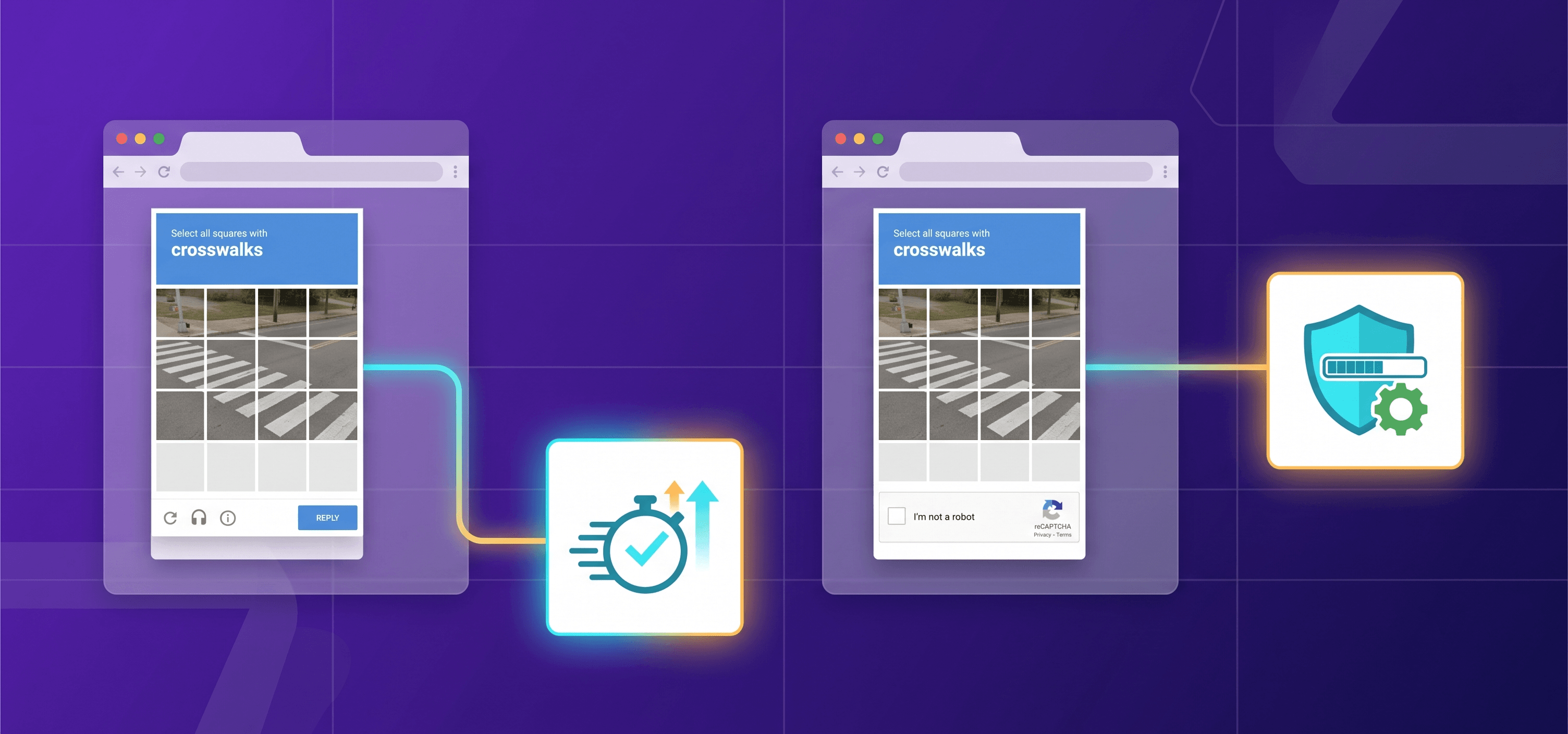
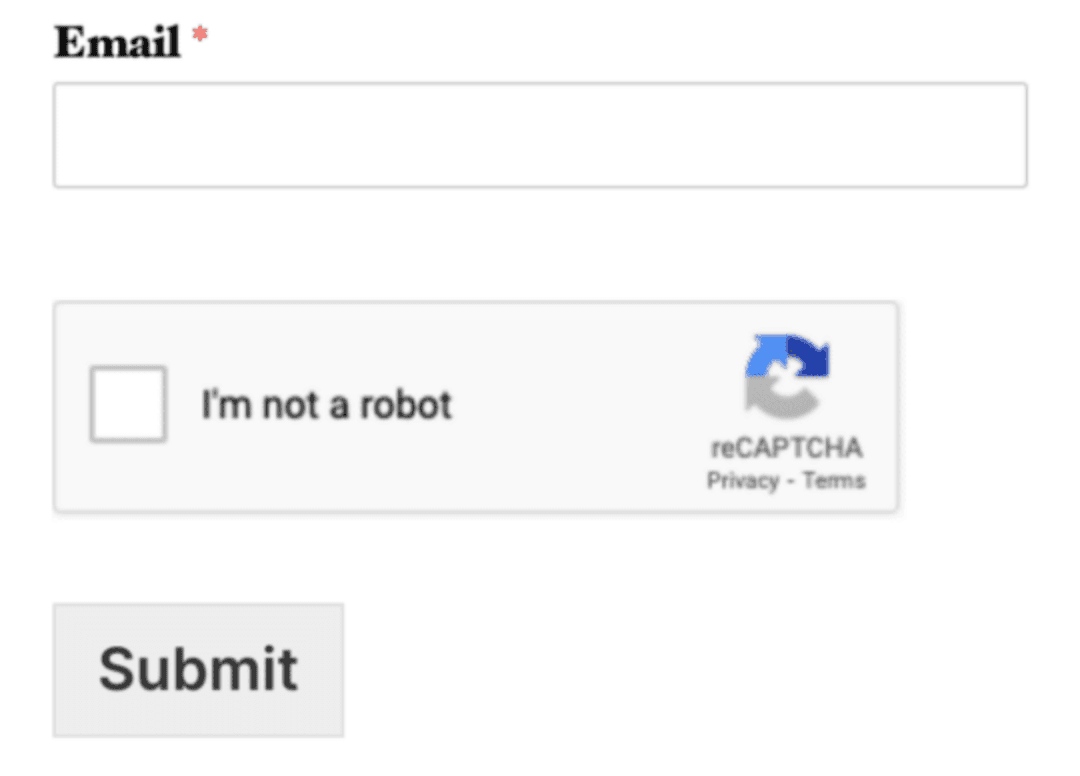
reCAPTCHA v2 is Google's bot-detection widget that comes in two forms: a checkbox users click ("I'm not a robot"), or an invisible version that runs silently when a form is submitted. It won't stop all fraud on its own — think of it as a speed bump, not a wall. It confirms that a real person took a deliberate action before hitting Submit. That difference is important to keep in mind when deciding whether to switch to something newer.The reCAPTCHA v2 overview on CapMonster Cloud covers the technical side in detail if you need it.
Why Use reCAPTCHA v2: The Practical Case
1. Explicit User Confirmation Has Audit Value
For regulated industries — finance, healthcare, legal services — a checkbox click logged at a specific timиииamp is easier to reference in a dispute than a risk score generated invisibly. Auditors and legal teams often prefer explicit gates over probabilistic scoring.
2. Deployment Simplicity and Familiarity
reCAPTCHA v2 has a stable, well-documented API, and most web frameworks have ready-made plugins for it. For small teams and agencies maintaining legacy codebases, that familiarity reduces migration risk — testing, QA, and potential regressions are real costs. If you're evaluating integration options, the reCAPTCHA v2 API integration guide covers the technical steps in detail.
3. Low False-Negative Tolerance Use Cases
Some workflows require near-zero tolerance for bot submissions: account creation with monetary incentives, coupon redemption, and voting systems are clear examples. The visible checkbox provides a harder gate than a configurable risk score threshold — ambiguity is a liability when even one fraudulent submission has downstream consequences.
4. Cost and Pricing Structure
reCAPTCHA v2 remains free for up to 10,000 assessments per month, and for many small-to-medium websites there is simply no budget pressure to switch. For a detailed breakdown of costs at scale and what alternatives charge, see reCAPTCHA v2 Pricing 2026.
reCAPTCHA v2 vs v3: Why Not Just Switch?
The migration from v2 to v3 is non-trivial, and its benefits depend heavily on your threat model.
| Factor | reCAPTCHA v2 | reCAPTCHA v3 |
| User interaction | Explicit checkbox or challenge | None (invisible scoring) |
| Output | Pass/fail decision | Score (0.0–1.0) |
| False positive risk | Medium (challenge may block real users) | Configurable (depends on score threshold) |
| Audit trail | Clear user action | Risk score only |
| Implementation complexity | Low | Medium–High (score thresholds require tuning + backend score processing) |
| Strong fit for abuse-sensitive flows | Yes | Requires careful threshold management |
The core problem with v3 for many teams: you now own the decision logic. If you set your score threshold too high, legitimate users get blocked; set it too low, bots get through. Getting that threshold right requires traffic data, ongoing monitoring, and willingness to iterate — resources many teams don't have.
"The friction of reCAPTCHA v2 is visible and predictable. The friction of a misconfigured v3 threshold is invisible and tends to surface as a support ticket spike or a conversion rate drop — both harder to diagnose." — Vladlen Vlasov, Technical Cross-Domain Expert
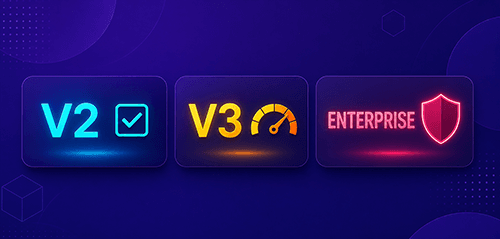
For a structured comparison of v2, v3, and Enterprise capabilities, see reCAPTCHA v2 vs v3 vs Enterprise: Key Differences.
reCAPTCHA v2 Checkbox vs Invisible: Choosing the Right Mode
reCAPTCHA v2 offers two modes, and choosing the wrong one is a common implementation mistake.
Checkbox (explicit): Renders a visible widget; user clicks "I'm not a robot"; serves an image challenge if risk signals are high. Best for login forms, registration, and any flow where explicit confirmation adds operational value.
Invisible (implicit): No visible widget until triggered; challenge appears only when the risk score warrants it. Best for e-commerce checkouts where friction directly correlates to abandonment.
The reCAPTCHA v2 checkbox or invisible decision comes down to two questions: Do you need an explicit user action for legal or operational reasons? And what is your tolerance for abandonment caused by a visible widget? Visible CAPTCHA vs invisible CAPTCHA is not simply a UX preference — it affects your abuse surface. Invisible mode is easier to bypass via automation because it only challenges users when specific risk signals fire, making it less effective against targeted, low-volume attacks like credential stuffing.
reCAPTCHA v2 User Friction, Accessibility, and Privacy Concerns
These are legitimate criticisms that site owners must weigh honestly.
reCAPTCHA v2 user friction: Image challenges are time-consuming, often ambiguous, and increasingly solved by automated services. On high-traffic conversion funnels, even marginal abandonment rates compound quickly.
reCAPTCHA v2 accessibility concerns: Screen reader compatibility has historically been inconsistent. Google provides an audio challenge alternative, but it is not always surfaced reliably. For sites with legal obligations — WCAG 2.1, ADA, EN 301 549 — this requires explicit testing and potentially supplementary accommodations.
reCAPTCHA v2 privacy concerns: Because reCAPTCHA is a Google service, it sets cookies and sends behavioral data to Google's infrastructure. Sites subject to GDPR or similar frameworks must disclose this in their privacy policy and may need a consent mechanism. Privacy-sensitive deployments are increasingly looking at alternatives like Cloudflare Turnstile or self-hosted solutions.
reCAPTCHA Alternatives in 2026
If you are reconsidering reCAPTCHA v2, the main reCAPTCHA alternatives in 2026 worth evaluating are:
- Cloudflare Turnstile — Non-invasive, no image challenges, free tier; ideal for Cloudflare-managed infrastructure
- Friendly Captcha — GDPR-focused, no cookies, proof-of-work model
- reCAPTCHA Enterprise — Google's premium tier with enhanced risk signals and SLA; significant cost at scale
- Arkose Labs / DataDome — Enterprise bot management platforms suited for high-value, adversarially targeted deployments
The right choice depends on your threat level, traffic volume, legal jurisdiction, and engineering capacity.
Should You Migrate? A Decision Framework
Stay on reCAPTCHA v2 if:
- Your team lacks bandwidth to tune and monitor a score-based system
- You need explicit user confirmation for operational or legal reasons
- Your current abuse rate is manageable and the CAPTCHA is doing its job
- Budget for third-party bot management is not available
Consider migrating if:
- You are seeing significant form abandonment traced to the CAPTCHA widget
- Privacy regulations in your jurisdiction create compliance risk with Google's data collection
- Accessibility audits flag the widget as a barrier
- Your threat model includes sophisticated bot operators solving v2 challenges at scale
- You are rebuilding your form infrastructure anyway and migration cost is marginal
For context on the adversarial landscape — what you're actually defending against — see how reCAPTCHA v2 is solved in practice and review How to choose the best reCAPTCHA v2 solving service.
FAQ

Conclusion
reCAPTCHA v2 isn't going anywhere — not because it's the best tool available, but because it genuinely fits the realities most teams are working with. reCAPTCHA migration 2026 may have real costs: engineering time, threshold tuning, privacy compliance, and the loss of a clear user gate. Before committing to a migration, it's worth being honest about whether your current setup is actually broken — and whether the alternative solves the right problem.
Try CapMonster Cloud for reCAPTCHA v2 Automation
If you work on testing, scraping, or automation pipelines that need to handle reCAPTCHA v2 programmatically, CapMonster Cloud provides reliable, API-based reCAPTCHA v2 solving for developers and QA teams. It supports both checkbox and invisible variants, integrates via a simple REST API, and is built for high-volume automated workflows.