How to Solve reCAPTCHA v2 in 2026: Working Methods
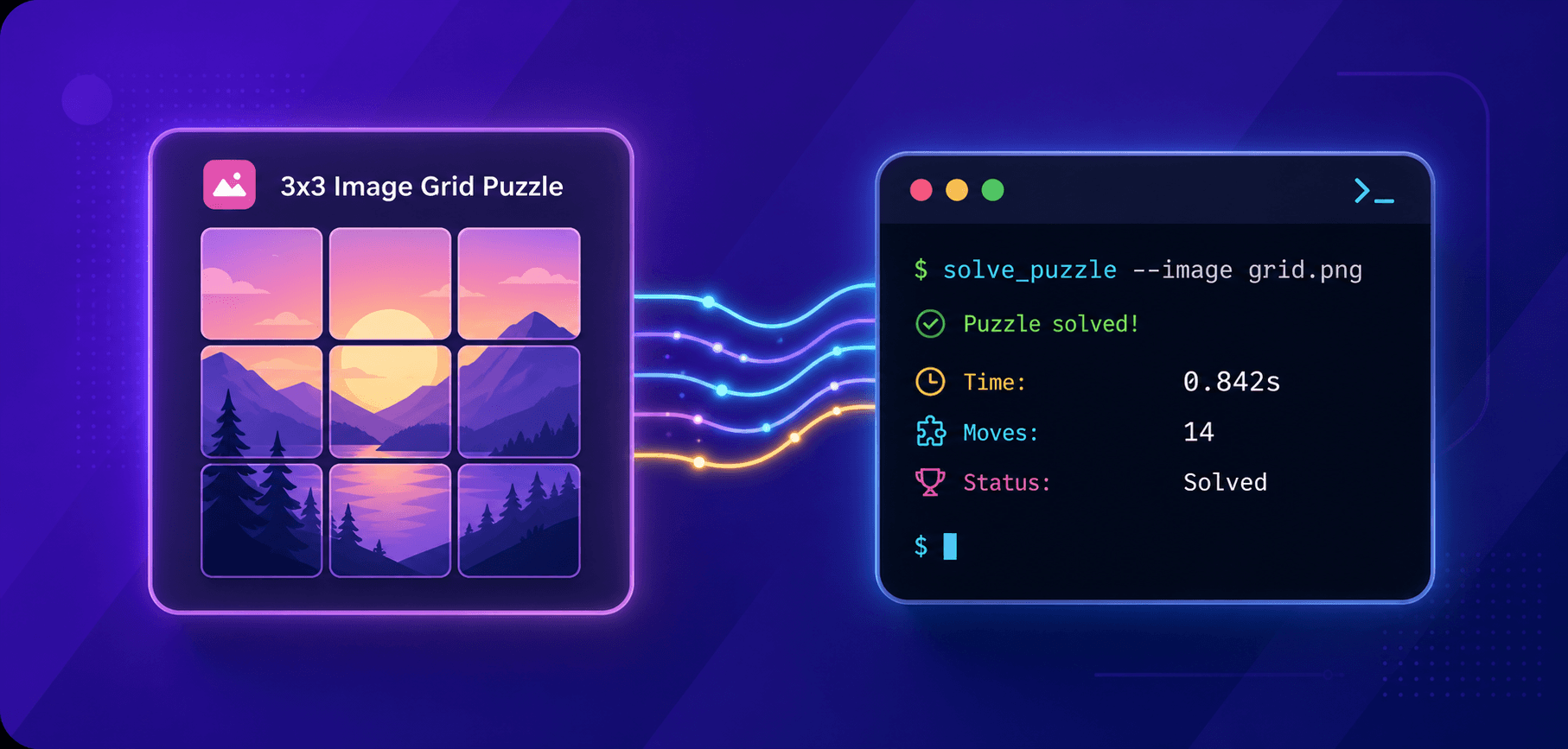
reCAPTCHA v2 has been protecting websites from bots for over a decade — and in 2026, it is still everywhere. From checkout pages and login portals to contact forms and comment sections, millions of sites continue to rely on Google's checkbox challenge and its image-grid puzzles to separate real users from automated traffic.
For developers, QA engineers, and web scrapers, this is a daily obstacle. You need to automate a workflow, run integration tests, or collect data at scale — and a reCAPTCHA v2 challenge blocks every step. Solving it manually is not sustainable, and browser fingerprinting makes simple workarounds ineffective.
This guide covers how to solve reCAPTCHA v2 using the most reliable modern methods available in 2026: API-based solvers, Python automation, Node.js integration, browser extensions, and human-powered fallback services. For each method, you will find clear instructions, working code examples, and practical guidance on when to use which approach.
Whether you are building a scraper, automating a test suite, or integrating reCAPTCHA bypass into an existing pipeline, this article gives you everything you need to get moving quickly.

What Is reCAPTCHA v2 and Why It Still Matters in 2026
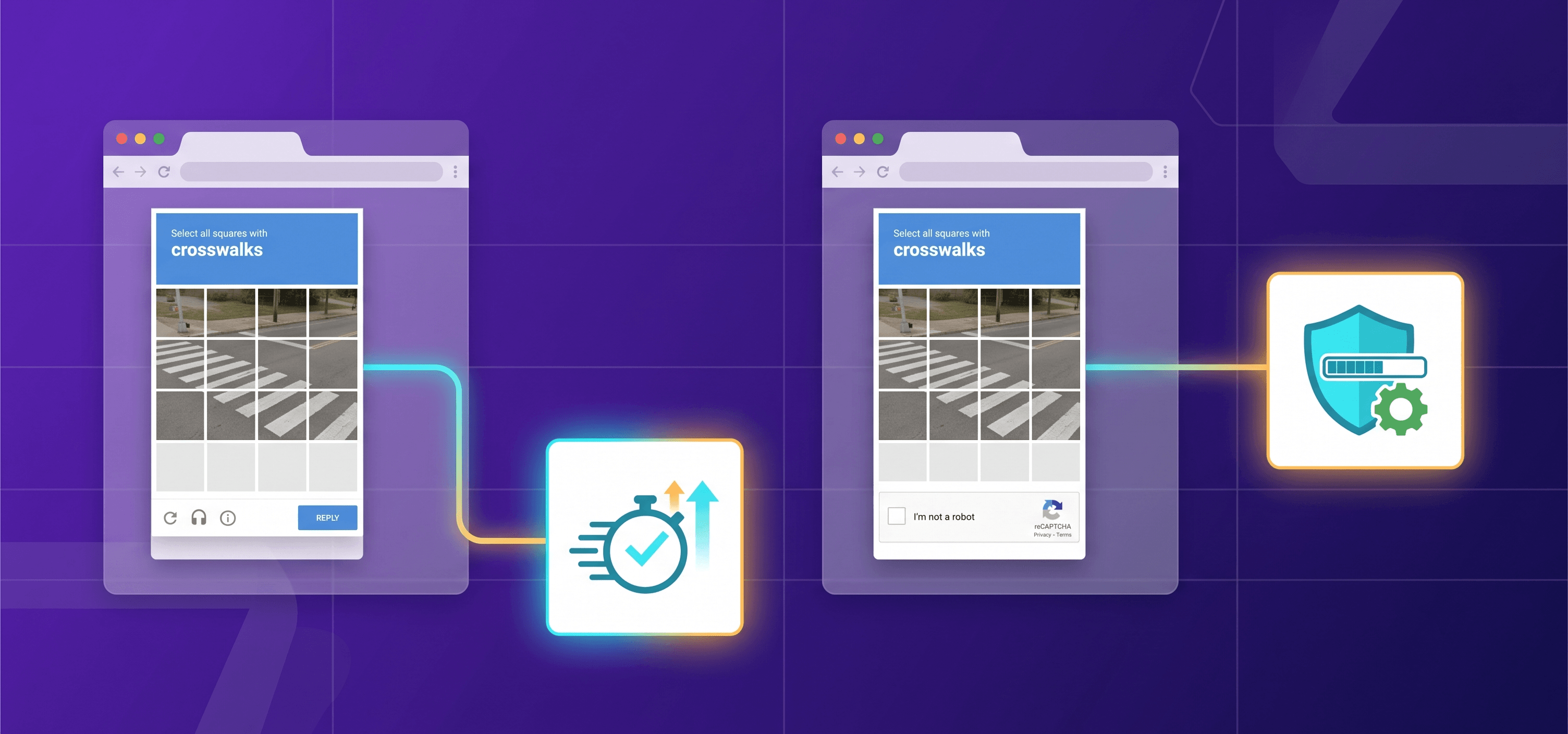
reCAPTCHA v2 is a bot-detection challenge developed by Google. It presents users with one of the following:
- Checkbox ("I'm not a robot") — a single click that triggers background behavioral analysis; if the risk score is low, no image challenge appears.
- Invisible reCAPTCHA v2 — runs entirely in the background and only surfaces a challenge when the risk score is high.
- reCAPTCHA Enterprise — a separate paid Google Cloud product that issues a numeric risk score (0.0–1.0), exposes reason codes, and supports configurable thresholds plus features such as Account Defender and MFA (Multi-factor authentication).
Despite newer versions like reCAPTCHA v3 and alternatives like Cloudflare Turnstile gaining ground, v2 remains broadly deployed because of its familiarity and a generous free tier (up to 10,000 assessments per month per site). Developers do not migrate unless there is a clear reason to, so the checkbox challenge is not going away anytime soon.
How reCAPTCHA v2 Works (Under the Hood)
Understanding the mechanics helps you solve reCAPTCHA v2 reliably. The flow has three key components:
- Sitekey — A public key embedded in the page HTML, identifying the website to Google's servers. You can find it in the data-sitekey attribute of the reCAPTCHA widget <div>.
- Challenge + user interaction — Google evaluates browser signals (mouse movement, cookies, IP, browser fingerprint) and optionally presents an image grid (e.g. "Select all traffic lights").
- g-recaptcha-response token — After a successful solve, Google issues a short-lived token that is valid for two minutes and can be verified only once. The widget injects it into a hidden <textarea id="g-recaptcha-response"> and the form submits it alongside other fields. The server validates the token against Google's siteverify API using a secret key.
Key insight for automation: You do not need to simulate pixel-perfect mouse movements. You need a valid g-recaptcha-response token. API-based solving services handle the challenge and return the token — your only job is to inject it before form submission.
Modern Methods to Solve reCAPTCHA v2 — Overview
Before diving into each method, here is a quick comparison to help you pick the right approach:
| Method | Speed | Code Required | Best For | Cost |
| API solver (CapMonster Cloud) | Typically 1–30 s | Minimal (API calls) | Automation, scraping, CI/CD | $0.60 per 1,000 tokens $0.04 per 1,000 images (see pricing page for current rates) |
| Python + Selenium + API solver* | Typically 1–30 s | Moderate (Python) | Scripted browser automation | Same as above** |
| Node.js + Playwright + API solver* | Typically 1–30 s | Moderate (JS/TS) | Node-based pipelines | Same as above |
| Browser extension | Typically 1–30 s | None | Manual testing, one-off tasks | Same as above* |
| Human-powered service | Typically 25–60 s | None / minimal | Low-volume | Varies by provider and volume |
* You can choose and combine the language (Python, JS, C#) and automation framework (Playwright, Selenium, Puppeteer) the way you like. These are just examples of such stacks.
Applicable if CapMonster Cloud is used as the API solver in the stack
* Applicable if CapMonster Cloud Browser Extensions are used
Method 1 — API-Based Solving with CapMonster Cloud
CapMonster Cloud is an AI-powered CAPTCHA solving service with a simple REST API. It supports reCAPTCHA v2 (standard, invisible, and enterprise) and returns a ready-to-use g-recaptcha-response token.
How it works:
- You send a task to the CapMonster Cloud API containing the sitekey and CAPTCHA page URL
- CapMonster Cloud's solver processes the challenge.
- You poll the result endpoint and receive the token.
- You inject the token into the page and submit the form.
Step 1 — Create a Task
POST https://api.capmonster.cloud/createTask

Content-Type: application/json

{
  "clientKey": "YOUR_API_KEY",
  "task": {
    "type": "RecaptchaV2Task",
    "websiteURL": "https://example.com/login",
    "websiteKey": "YOUR_SITEKEY"
  }
}
Task types available (current CapMonster Cloud naming):
- RecaptchaV2Task — no proxy (CapMonster Cloud uses its own) or bring your own proxy (HTTP/HTTPS/SOCKS4/SOCKS5)
- RecaptchaV2EnterpriseTask — for Enterprise variants
Response:
{
  "errorId": 0,
  "taskId": 7654321
}
Step 2 — Poll for the Result
POST https://api.capmonster.cloud/getTaskResult

Content-Type: application/json

{
  "clientKey": "YOUR_API_KEY",
  "taskId": 7654321
}
Response (when ready):
{
  "errorId": 0,
  "status": "ready",
  "solution": {
    "gRecaptchaResponse": "03AGdBq24PBCbwiDRaS_MJ..."
  }
}
Step 3 — Inject the Token
Once you receive the token,
send it in an HTTP request:
POST /api/login

Content-Type: application/json

{
  "email": "user@example.com",
  "password": "password123",
  "g-recaptcha-response": "03AGdBq24PBC..."
}
or inject it into the page:
// Browser console, Selenium execute_script, or Playwright evaluate

const token = '03AGdBq24PBCbwiDRaS_MJ...';
const ta = document.getElementById('g-recaptcha-response');
ta.value = token;          // canonical for <textarea>
ta.innerHTML = token;      // equivalent fallback some integrations rely on
document.querySelector('#login-form')?.requestSubmit();
See more detailed injection examples in the next sections.
Try CapMonster Cloud reCAPTCHA v2 Solver →
Method 2 — Solving reCAPTCHA v2 in Python (Selenium + CapMonster Cloud)
This method is ideal for reCAPTCHA v2 Python automation workflows where you control a real browser via Selenium and need to solve challenges mid-session.
Prerequisites
Run the following command in your console/terminal:
pip install selenium capmonstercloudclient python-dotenv
Create a .env file and insert your current data:
API_KEY=your_capmonster_cloud_api_key
WEBSITE_URL=https://example.com/login
WEBSITE_KEY=website_key_of_the_page_with_captcha
Full Python Example
import asyncio
import os

from dotenv import load_dotenv
from selenium import webdriver
from selenium.webdriver.common.by import By
from selenium.webdriver.support.ui import WebDriverWait
from selenium.webdriver.support import expected_conditions as EC
from capmonstercloudclient import CapMonsterClient, ClientOptions
from capmonstercloudclient.requests import RecaptchaV2Request

load_dotenv()

API_KEY = os.getenv("API_KEY")
WEBSITE_URL = os.getenv("WEBSITE_URL")
WEBSITE_KEY = os.getenv("WEBSITE_KEY")  # sitekey from the page

client_options = ClientOptions(api_key=API_KEY)
cap_monster_client = CapMonsterClient(options=client_options)

async def solve_captcha() -> str:
    recaptcha_request = RecaptchaV2Request(
        websiteUrl=WEBSITE_URL,
        websiteKey=WEBSITE_KEY,
    )
    result = await cap_monster_client.solve_captcha(recaptcha_request)
    return result["gRecaptchaResponse"]

async def main():
    browser = None
    try:
        options = webdriver.ChromeOptions()
        # Optional: hide "Chrome is being controlled by automated software" infobar
        options.add_experimental_option("excludeSwitches", ["enable-automation"])
        options.add_experimental_option("useAutomationExtension", False)

        browser = webdriver.Chrome(options=options)
        browser.get(WEBSITE_URL)
        print("Page opened, waiting for reCAPTCHA widget...")

        # Wait for the widget container to appear
        WebDriverWait(browser, 15).until(
            EC.presence_of_element_located((By.CSS_SELECTOR, ".g-recaptcha"))
        )
        print("reCAPTCHA widget found.")

        # Solve the CAPTCHA via CapMonster Cloud
        token = await solve_captcha()
        print("Token received:", token[:40] + "...")

        # 1) Make the textarea visible (some pages hide it via inline style)
        #    and inject the token value
        browser.execute_script(
            """
            const ta = document.getElementById('g-recaptcha-response');
            if (ta) {
                ta.style.display    = 'block';
                ta.style.visibility = 'visible';
                ta.value     = arguments[0];
                ta.innerHTML = arguments[0];
            }
            """,
            token,
        )

        # 2) Trigger the reCAPTCHA callback if one is defined in the data-callback attribute
        browser.execute_script(
            """
            const widget = document.querySelector('.g-recaptcha');
            const callbackName = widget ? widget.getAttribute('data-callback') : null;
            if (callbackName && typeof window[callbackName] === 'function') {
                window[callbackName](arguments[0]);
            }
            """,
            token,
        )
        print("Token injected and callback triggered.")

        # 3) Locate the submit button — try multiple possible selectors or set the current selector present on your page
        submit_selectors = [
            (By.CSS_SELECTOR, "input[type='submit']"),
            (By.CSS_SELECTOR, "button[type='submit']"),
            (By.CSS_SELECTOR, "form button"),
            (By.XPATH, "//input[@type='submit']"),
            (By.XPATH, "//button[contains(text(),'Submit') or contains(text(),'Check')]"),
        ]

        submit_btn = None
        for by, selector in submit_selectors:
            try:
                submit_btn = WebDriverWait(browser, 3).until(
                    EC.element_to_be_clickable((by, selector))
                )
                print(f"Submit button found via: {selector}")
                break
            except Exception:
                continue

        if submit_btn is None:
            raise RuntimeError("Submit button not found! Check the page structure manually.")

        submit_btn.click()
        print("Form submitted.")

        # Wait for the page to respond
        await asyncio.sleep(3)

        # Print the URL after submission (success may trigger a redirect)
        print("Current URL after submit:", browser.current_url)

        # Look for a success message on the page
        try:
            success = browser.find_element(
                By.XPATH,
                "//*[contains(text(),'success') or contains(text(),'Success') or contains(text(),'correct')]"
            )
            print("Success message found:", success.text)
        except Exception:
            print("No explicit success message found on page.")

    except Exception as e:
        print("Error:", e)

    finally:
        if browser is not None:
            input("Press ENTER to close browser...")  # pause for manual inspection
            browser.quit()


if __name__ == "__main__":
    asyncio.run(main())
Key points explained:
- RecaptchaV2Request (without proxy fields) is the canonical import for the proxyless flow. If you need to route the solve through your own IP, create a ProxyInfo object (with proxyType, proxyAddress, etc.) and pass it via the proxy parameter inside RecaptchaV2Request (see the documentation for more details).
- solve_captcha() sends an async task to CapMonster Cloud and returns the solved token string from result["gRecaptchaResponse"].
- The token is passed to execute_script as arguments[0], which is safer than building a JS literal via f-string.
- The hidden textarea is updated via both .value and .innerHTML — setting both values maximizes compatibility across reCAPTCHA widget versions.
- WebDriverWait replaces a naive sleep, making the script robust to slow page loads.
- browser is initialized to None outside the try, so the finally block cannot raise NameError if webdriver.Chrome() itself fails.
⚠️ Token expiry: Tokens are valid for two minutes from issuance and can be verified only once. Request the token immediately before form submission and do not delay between injection and submit.
Method 3 — Solving reCAPTCHA v2 in Node.js (Playwright + CapMonster Cloud)
For Node.js-based pipelines, Playwright combined with the CapMonster Cloud client library provides a clean, modern approach to bypass reCAPTCHA v2 automatically.
Prerequisites
Run the following commands in your console/terminal:
npm install playwright @zennolab_com/capmonstercloud-client dotenv
npx playwright install chromium
Create a .env file and insert your current data:
API_KEY=your_capmonster_cloud_api_key
WEBSITE_URL=https://example.com/login
WEBSITE_KEY=website_key_of_the_page_with_captcha
Full Node.js Example
require("dotenv").config();

const { chromium } = require("playwright");
const {
  CapMonsterCloudClientFactory,
  ClientOptions,
  RecaptchaV2Request,
} = require("@zennolab_com/capmonstercloud-client");

const CMC_API_KEY = process.env.API_KEY;
const TARGET_URL = process.env.WEBSITE_URL;
const WEBSITE_KEY = process.env.WEBSITE_KEY;

(async () => {
  const browser = await chromium.launch({ headless: false });
  const context = await browser.newContext();
  const page = await context.newPage();

  try {
    await page.goto(TARGET_URL, { waitUntil: "domcontentloaded" });

    // Wait for the reCAPTCHA widget to render
    await page.waitForSelector(".g-recaptcha", { timeout: 15_000 });
    console.log("[*] Fetching token from CapMonster Cloud...");

    const cmc = CapMonsterCloudClientFactory.Create(
      new ClientOptions({ clientKey: CMC_API_KEY }),
    );

    const solution = await cmc.Solve(
      new RecaptchaV2Request({
        websiteURL: TARGET_URL,
        websiteKey: WEBSITE_KEY,
      }),
    );

    if (!solution?.solution?.gRecaptchaResponse) {
      throw new Error("CapMonster Cloud did not return a token.");
    }

    const token = solution.solution.gRecaptchaResponse;
    console.log("[+] Token received:", token.slice(0, 40) + "...");

    // Inject the token and trigger events so that the reCAPTCHA library
    // considers the challenge as solved
    await page.evaluate((t) => {
      const ta = document.querySelector("textarea#g-recaptcha-response");
      if (ta) {
        // Remove display:none so the form can read the field
        ta.style.display = "block";
        ta.value = t;
        ta.innerHTML = t;

        // Dispatch input/change events -- some validators listen to these before submission
        ta.dispatchEvent(new Event("input", { bubbles: true }));
        ta.dispatchEvent(new Event("change", { bubbles: true }));
      }

      // Invoke the g-recaptcha callback directly if it is registered
      if (typeof window.___grecaptcha_cfg !== "undefined") {
        const clients = window.___grecaptcha_cfg.clients;
        for (const key of Object.keys(clients)) {
          const client = clients[key];
          for (const prop of Object.values(client)) {
            if (prop && typeof prop.callback === "function") {
              try {
                prop.callback(t);
              } catch (_) {}
            }
          }
        }
      }
    }, token);

    // Detect the available submit selector. Change it to your specific case if needed.
    const submitSelector = await page.evaluate(() => {
      if (document.querySelector('button[type="submit"]'))
        return 'button[type="submit"]';
      if (document.querySelector('input[type="submit"]'))
        return 'input[type="submit"]';
      // Fallback: any button inside a form
      if (document.querySelector("form button")) return "form button";
      return null;
    });

    if (!submitSelector) {
      throw new Error("Submit button not found on the page.");
    }
    console.log(`[*] Using submit selector: ${submitSelector}`);

    // Click the submit button and wait for the resulting page to load
    await Promise.all([
      page.waitForLoadState("load"),
      page.click(submitSelector),
    ]);
    await page.waitForTimeout(5000);

    console.log("[+] Page after submit:", page.url());
  } catch (err) {
    console.error("[!] Error:", err);
    process.exitCode = 1;
  } finally {
    await browser.close();
  }
})();
Key points explained:
- RecaptchaV2Request (without proxy fields) is the canonical import for the proxyless flow. If you need to route the solve through your own IP, pass proxyType, proxyAddress, etc., but they must be wrapped inside a single nested proxy object passed to RecaptchaV2Request (see the documentation for more details).
- solution.solution.gRecaptchaResponse is the path to the token in the client's response.
- page.waitForNavigation() is deprecated in current Playwright versions and is replaced here with page.waitForLoadState('load') inside a Promise.all to avoid race conditions.
- try/finally guarantees the browser is closed even if any step fails.
Solve reCAPTCHA v2 automatically with CapMonster Cloud →
Method 4 — Browser Extension (No-Code Option)
CapMonster Cloud offers a Chrome and Firefox extension that intercepts reCAPTCHA v2 challenges on any page and solves them automatically — no coding required.
When to use it:
- Manual QA testing where you do not want to write automation scripts
- One-off tasks on pages you visit in a real browser
- Verifying that your reCAPTCHA can be solved with CapMonster Cloud before deploying API-based automation
Setup steps:
- Install the CapMonster Cloud extension from the Chrome Web Store or Firefox Add-ons.
- Click the extension icon in the browser toolbar and enter your API key.
- Enable "Auto-solve reCAPTCHA v2."
- Navigate to any page with a reCAPTCHA v2 — the extension solves it automatically in the background.
The extension uses the same reCAPTCHA v2 API infrastructure as the programmatic methods, so accuracy and speed are consistent.
Method 5 — Manual Human-Powered Solving Services
Human-powered CAPTCHA farms route your challenge to a real person who solves it visually and returns the response token.
How it works:
- You send the sitekey and URL to the service API (similar in structure to CapMonster Cloud's API).
- A human worker views and solves the image challenge.
- You receive the g-recaptcha-response token.
Trade-offs:
| Factor | Human-Powered | AI-Based (CapMonster Cloud) |
| Speed | 25–60 seconds | Typically 1–30 seconds |
| Accuracy | High (human) | High (AI-trained) |
| Scale | Limited (labor-dependent) | High throughput |
| Availability | Typically 24/7, but may skew to business hours only | 24/7 |
| Cost at scale | Varies | Varies |
When it makes sense:
- Low volume
- As a fallback when AI solvers encounter unusual or rare image sets
- When no coding resources are available and manual solving is acceptable
For most automation use cases, an AI-based reCAPTCHA v2 solver like CapMonster Cloud is faster, more scalable, and available around the clock.
Implementation Checklist
Before going live with any automated reCAPTCHA v2 solving integration, run through this checklist:
- Locate the sitekey — inspect the page source for data-sitekey="..." in the reCAPTCHA <div>.
- Confirm the reCAPTCHA variant — standard checkbox, invisible, or enterprise — and use the matching task type (RecaptchaV2Task, RecaptchaV2EnterpriseTask).
- Store credentials securely — never hardcode your CapMonster API key; use environment variables or a secrets manager.
- Handle token expiry — request the token as close to form submission as possible (well under the 2-minute Google validity window) and treat every token as single-use.
- Implement polling with backoff — poll getTaskResult every 3–5 seconds; avoid hammering the API.
- Check errorId in every response — a non-zero value means the task failed; implement retry logic (2–3 attempts maximum before failing gracefully).
- Inject correctly — set the hidden <textarea#g-recaptcha-response> via .value (canonical for <textarea>); setting innerHTML as well is a safe equivalent fallback.
- Test in a staging environment first — confirm that the injected token passes server-side siteverify validation before running in production.
- Monitor your balance — set up low-balance alerts in the CapMonster Cloud dashboard to avoid unexpected downtime.
- Respect legal and ToS boundaries — only automate workflows on sites and services you are authorized to access.
FAQ
Q: How long is a reCAPTCHA v2 token valid?
A: Tokens are valid for two minutes from issuance and can be verified only once (Google's official spec). Request the token immediately before you need to submit the form, and inject it without delay.
Q: What is the difference between reCAPTCHA v2 standard and Enterprise?
A: reCAPTCHA Enterprise is a separate Google Cloud product that returns a numeric risk score (0.0–1.0) along with reason codes, and supports configurable thresholds, Account Defender, and MFA. It requires a paid Google Cloud account and uses the task type RecaptchaV2EnterpriseTask in CapMonster Cloud's API.
Q: Do I need a proxy to use CapMonster Cloud?
A: Basically, no. CapMonster Cloud routes traffic through it’s own infrastructure. Proxy-based tasks are available if you need the solve request to originate from a specific IP address.
Q: Will this work on reCAPTCHA v2 Invisible?
A: Yes. CapMonster Cloud supports the invisible variant — pass "isInvisible": true in the RecaptchaV2Task payload.
Q: What should I do if the solver returns an error?
A: Check the errorId and errorDescription fields against the Error Description page and make adjustments to your automation accordingly. Also we recommend you to implement a retry loop with a maximum of 2–3 attempts before failing gracefully.
Conclusion
In 2026, reCAPTCHA v2 remains a practical barrier for legitimate automation, testing, and data collection workflows. The tools for solving it have matured significantly. API-based services handle the heavy lifting, and integrating them into Python or Node.js takes under 100 lines of code. Browser extensions cover no-code use cases, and human-powered services serve as a reliable fallback for edge cases.
For most teams, the fastest path to a working, scalable solution is an AI-powered reCAPTCHA v2 solver with a clean API — no manual labor, no browser overhead, and predictable throughput.
Ready to integrate? Try CapMonster Cloud reCAPTCHA v2 Solver — Start solving in minutes →