Error 403 and other web scraping issues: why they occur and how to avoid them?
Web scraping is a process that allows automated data collection from various sources. However, it often happens that when trying to access information, a scraper may encounter various obstacles, one of which is the common 403 Forbidden error. This error indicates that the server has blocked access to the requested resource. To effectively perform web scraping, it is important to understand the reasons for its occurrence and know methods to bypass it. In this article, we will look at what the 403 error is, why it occurs, what strategies can help bypass it, as well as other limitations in data collection and ways to solve them.

Causes of occurrence
Why does the server block access to data? In web scraping, the 403 error occurs due to website protection mechanisms against unauthorized access or resource abuse. Let’s take a closer look at the causes of this error and ways to fix it.
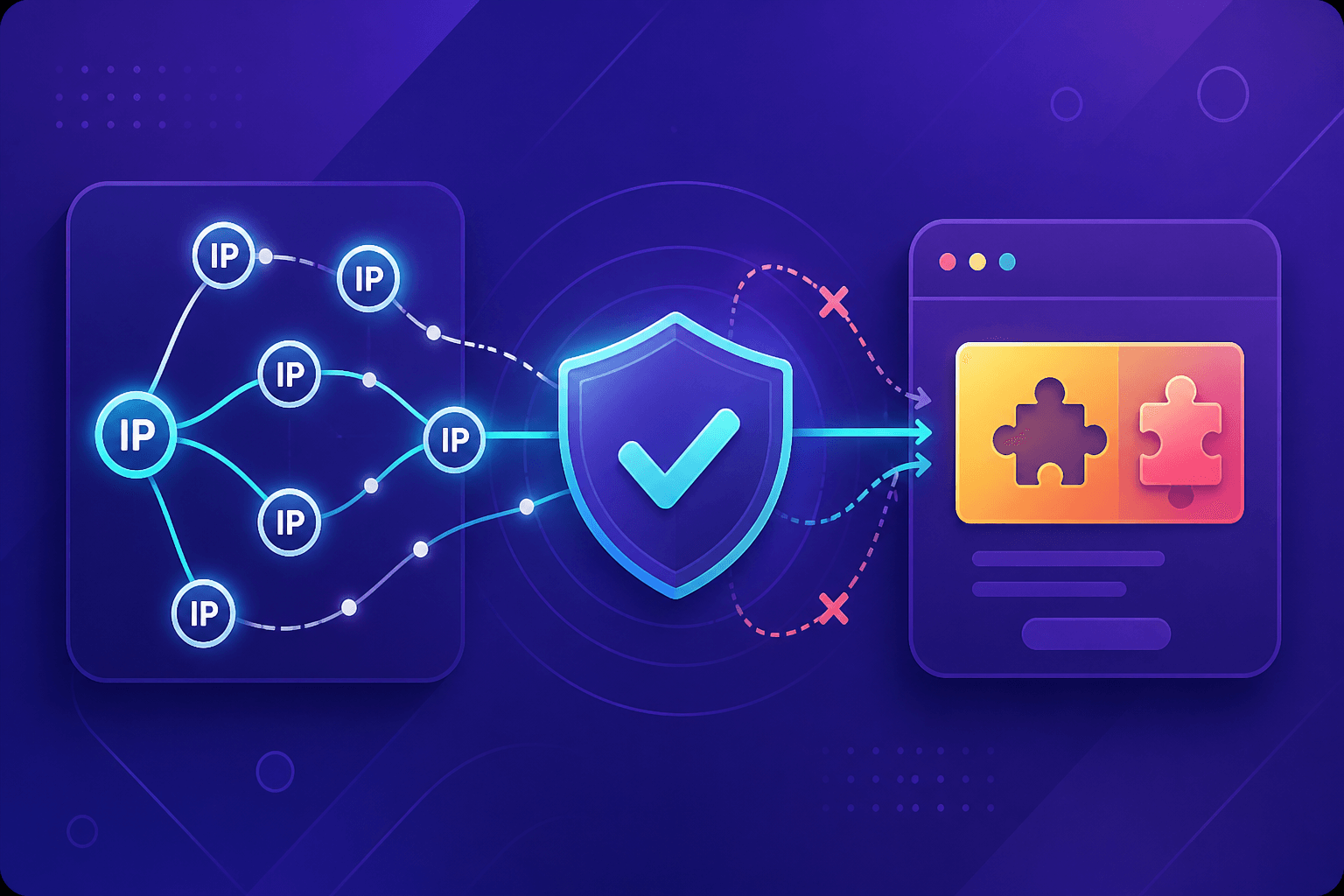
IP address restriction: websites may restrict access by IP address. If too many requests come from a single IP address, the server may block it to prevent overload and protect against potential attacks.
Headless mode: using a headless browser in automation tools such as Selenium can also lead to errors. Some websites are able to detect that requests come from a browser in headless mode, where there is no user interaction (for example, clicks or page scrolling). This may indicate automated access, which websites can consider potentially suspicious activity. However, if you still need this mode, configure the browser to imitate a real browser with a graphical interface.
Missing required headers and cookies. Some websites require specific cookies or sessions to access content.
Incorrect User-Agent: many websites check the User-Agent header containing browser and device information. If you do not set this header, set it incorrectly, or fail to rotate it during large-scale requests, the server may deny access.
How to bypass the 403 error in web scraping
To ensure smooth data collection, let’s consider several effective methods to prevent access blocking to required resources:
- Using high-quality proxy servers: periodically changing the IP address helps avoid blocks. It is important to use reliable proxies to avoid being blacklisted.
- Avoiding too many requests: reducing request frequency and introducing delays between them can help prevent blocking. If you are using Python for your scraper, the time library can help add delays between requests:
import time

time.sleep(5)  # 5-second delay between requests
- Browser emulation. For this, various options can be used, for example, as implemented in Selenium:
from selenium import webdriver

options = webdriver.ChromeOptions()
# Do not add --headless if a graphical browser is required
options.add_argument("--headless")
# Screen size emulation
options.add_argument("window-size=1920,1080")
# This flag helps hide automation signs.
options.add_argument("--disable-blink-features=AutomationControlled")

driver = webdriver.Chrome(options=options)
driver.get("https://example.com")
- If the website requires authentication, it is important to correctly store and use cookies. With the requests library, cookies can be passed along with requests:
import requests

session = requests.Session()
response = session.get('https://example.com')
# using cookies in subsequent requests
response2 = session.get('https://example.com/another-page')
- Setting proper User-Agent: using realistic User-Agents can help bypass blocking. It is best to use those used by popular browsers (for example, Chrome, Firefox):
headers = {
    "User-Agent": "Mozilla/5.0 (Windows NT 10.0; Win64; x64) AppleWebKit/537.36 (KHTML, like Gecko) Chrome/127.0.0.0 Safari/537.36"
}
- You can also use User-Agent rotation with the Python random library. For this, you need to prepare a separate list of User-Agents from different browsers and periodically update it.
Example code for selecting a random User-Agent from a predefined list using random:
import random
import requests
user_agents = [
    "Mozilla/5.0 (Windows NT 10.0; Win64; x64) AppleWebKit/537.36 (KHTML, like Gecko) Chrome/127.0.6533.122 Safari/537.3",
    "Mozilla/5.0 (Windows NT 10.0; WOW64) AppleWebKit/537.36 (KHTML, like Gecko) Firefox/56.0 Safari/537.36",
    "Mozilla/5.0 (Macintosh; Intel Mac OS X 10_13_6) AppleWebKit/605.1.15 (KHTML, like Gecko) Version/11.1.2 Safari/605.1.15",
]
random_user_agent = random.choice(user_agents)
headers = {
    "User-Agent": random_user_agent
}
response = requests.get("https://example.com", headers=headers)
print(f"Status code: {response.status_code}")
print(f"Used User-agent: {random_user_agent}")
In addition to changing the User-Agent, this library also allows using random IP addresses for each request from a proxy pool, adding random delays between requests, and rotating other elements to simulate the behavior of different users and devices.
What other difficulties exist in web scraping?
Besides the 403 error, scrapers often encounter other errors:
401 Unauthorized: access is denied without credentials. Solution — use authentication with login and password.
500 Internal Server Error: a server-side problem. Solution — retry the request later or contact the administrator.
429 Too Many Requests: too many requests. Solution — reduce request frequency, use proxies.
Complicated HTML structure: in web scraping, you may encounter obfuscated HTML code where classes, IDs, and other elements have unclear or dynamically generated names. Solution — use robust XPath or CSS selectors, search elements by text content, as well as specialized libraries such as lxml, for parsing and processing HTML. In complex cases, you can use TensorFlow or PyTorch to build machine learning models capable of recognizing patterns and classifying obfuscated elements based on large datasets. It is important to understand how the website obfuscates data in order to adapt scraping strategies accordingly.
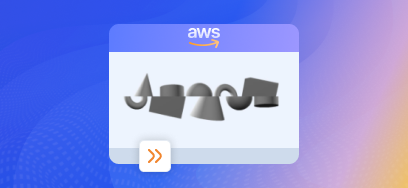
Another common obstacle is CAPTCHA, a website protection system that often appears for similar reasons. But there is no need to worry, as there are many services that help effectively handle such restrictions, and one of the best is CapMonster Cloud. This convenient cloud-based tool provides an API for automatically solving CAPTCHAs, which greatly simplifies the process. Here are the steps to integrate CapMonster Cloud into your Python scraper code:
Registration and obtaining an API key. To use CapMonster Cloud, you need to register in the service and obtain an API key for authenticating requests to the service.
Installing required libraries. CapMonster Cloud has its own libraries for different languages. Let’s look at installing the official Python library: official Python library:
pip install capmonstercloudclient
With this library, you can easily create a task, send it to the server, and receive a response:
# https://github.com/CapMonsterCloud/capmonstercloud-client-python

import asyncio
from capmonstercloudclient import CapMonsterClient, ClientOptions
from capmonstercloudclient.requests import RecaptchaV2Request
# from capmonstercloudclient.requests.baseRequestWithProxy import ProxyInfo  # Uncomment if you plan to use a proxy

API_KEY = "YOUR_API_KEY"  # Specify your CapMonster Cloud API key

async def solve_recaptcha_v2():
    client_options = ClientOptions(api_key=API_KEY)
    cap_monster_client = CapMonsterClient(options=client_options)

    # Basic example without proxy
    # CapMonster Cloud automatically uses its own proxies
    recaptcha2_request = RecaptchaV2Request(
        websiteUrl="https://lessons.zennolab.com/captchas/recaptcha/v2_simple.php?level=high",
        websiteKey="6Lcg7CMUAAAAANphynKgn9YAgA4tQ2KI_iqRyTwd"
    )

    # Example of using your own proxy
    # Uncomment this block if you want to use your own proxy

    # proxy = ProxyInfo(
    #     proxyType="http",
    #     proxyAddress="123.45.67.89",
    #     proxyPort=8080,
    #     proxyLogin="username",
    #     proxyPassword="password"
    # )

    # recaptcha2_request = RecaptchaV2Request(
    #     websiteUrl="https://lessons.zennolab.com/captchas/recaptcha/v2_simple.php?level=high",
    #     websiteKey="6Lcg7CMUAAAAANphynKgn9YAgA4tQ2KI_iqRyTwd",
    #     proxy=proxy,
    #     userAgent="Mozilla/5.0 (Windows NT 10.0; Win64; x64) AppleWebKit/537.36 (KHTML, like Gecko) Chrome/147.0.0.0 Safari/537.36"
    # )

    # Optionally, you can check the balance
    balance = await cap_monster_client.get_balance()
    print("Balance:", balance)

    result = await cap_monster_client.solve_captcha(recaptcha2_request)
    print("Solution:", result)

asyncio.run(solve_recaptcha_v2())
Useful links
Before using any of the tools mentioned in this article, we recommend reviewing their documentation. Here are useful links where you can find more detailed information and answers to possible questions:
Conclusion
Web scraping handles even very large amounts of data well, but frequent errors can complicate the process. Understanding the causes of errors such as 403 and applying the correct bypass methods — configuring User-Agent, using proxies, and CAPTCHA-solving services — will make your work more efficient. By following proven methods, you reduce the risk of blocks and simplify data collection, and a careful approach not only makes the process easier but also ensures a positive experience when interacting with web resources.
NB: Please note that this product is intended for automated testing exclusively on your own websites and resources to which you have legal access rights.