CapMonster Cloud API
 Extension for browsers



Captcha for Website Protection: Google reCAPTCHA & Alternatives
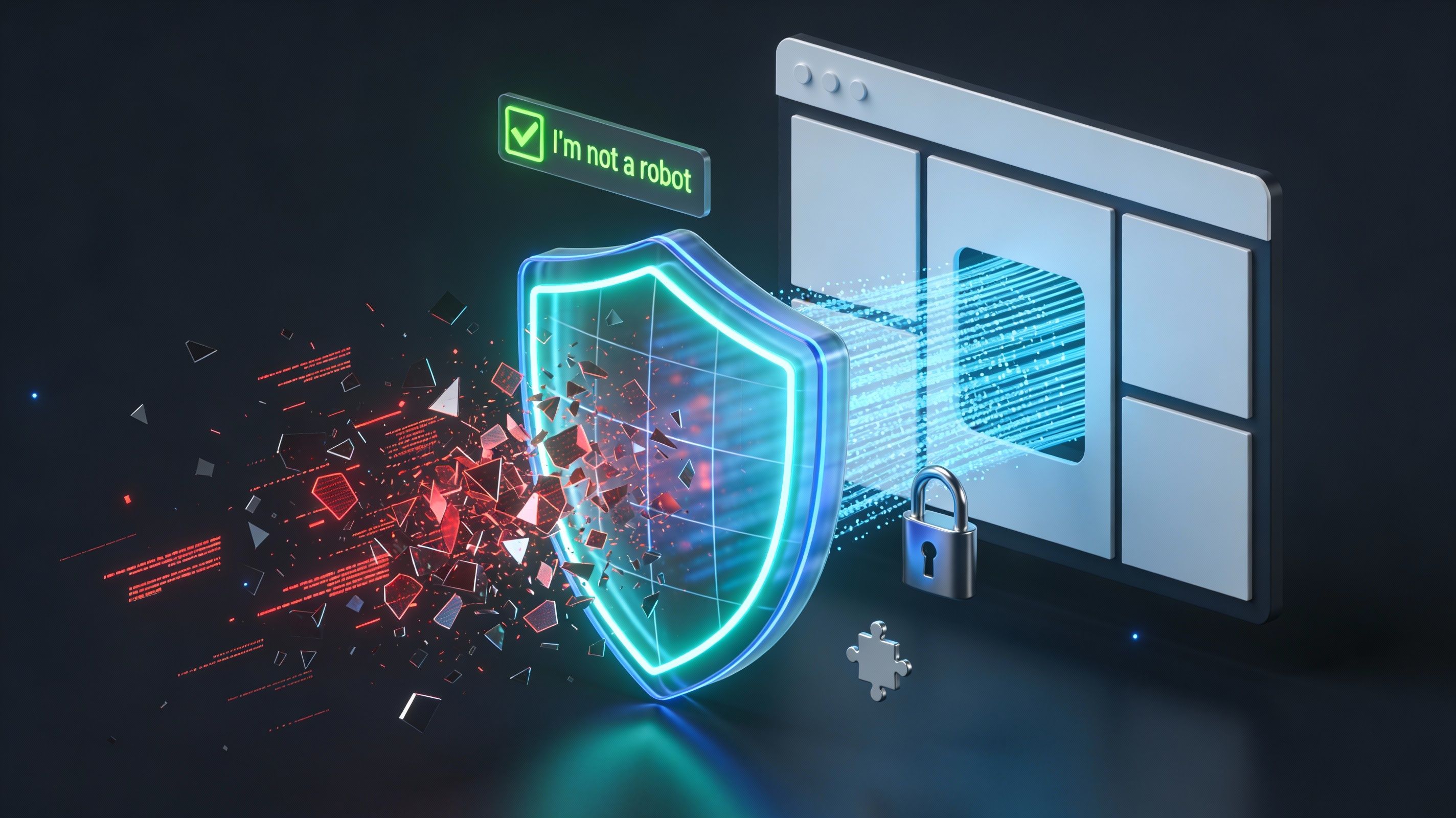
Captcha for website protection has become essential for modern site owners. Bots, spam, and automated attacks threaten data integrity and business metrics. This guide examines how CAPTCHA secures websites, evaluates Google's reCAPTCHA, and compares leading alternatives offering better privacy and user experience.

What Is CAPTCHA and Why You Need It
CAPTCHA (Completely Automated Public Turing Test to Tell Computers and Humans Apart) verifies that a user is human, not an automated bot. It blocks credential stuffing, fake account creation, comment spam, inventory hoarding, payment fraud, and data scraping.
Core Benefits of Captcha on Website:
- Protection Against Automated Attacks: CAPTCHA blocks credential stuffing, brute-force login attempts, and account takeovers by requiring human verification.
- Spam and Abuse Prevention: Contact forms, comments, and registration pages are protected from automated spam flooding and fraudulent submissions.
- Fake Account Prevention: Bot-driven account creation is blocked, preserving platform authenticity and data integrity.
- E-Commerce Security: CAPTCHA prevents ticket scalping, inventory hoarding, and payment fraud.
- Accurate Analytics: Bot traffic filtering ensures genuine business intelligence and valid marketing metrics.
- Cost Reduction: Filtering automated requests reduces server load, bandwidth consumption, and operational expenses.
Google reCAPTCHA: Market Leader
Google's reCAPTCHA dominates the market with three distinct versions serving different security needs.
reCAPTCHA v2: Balanced Security
The checkbox variant displays "I'm not a robot" with users interacting directly. The invisible variant runs silently, analyzing behavior and presenting image challenges only when suspicious activity is detected.
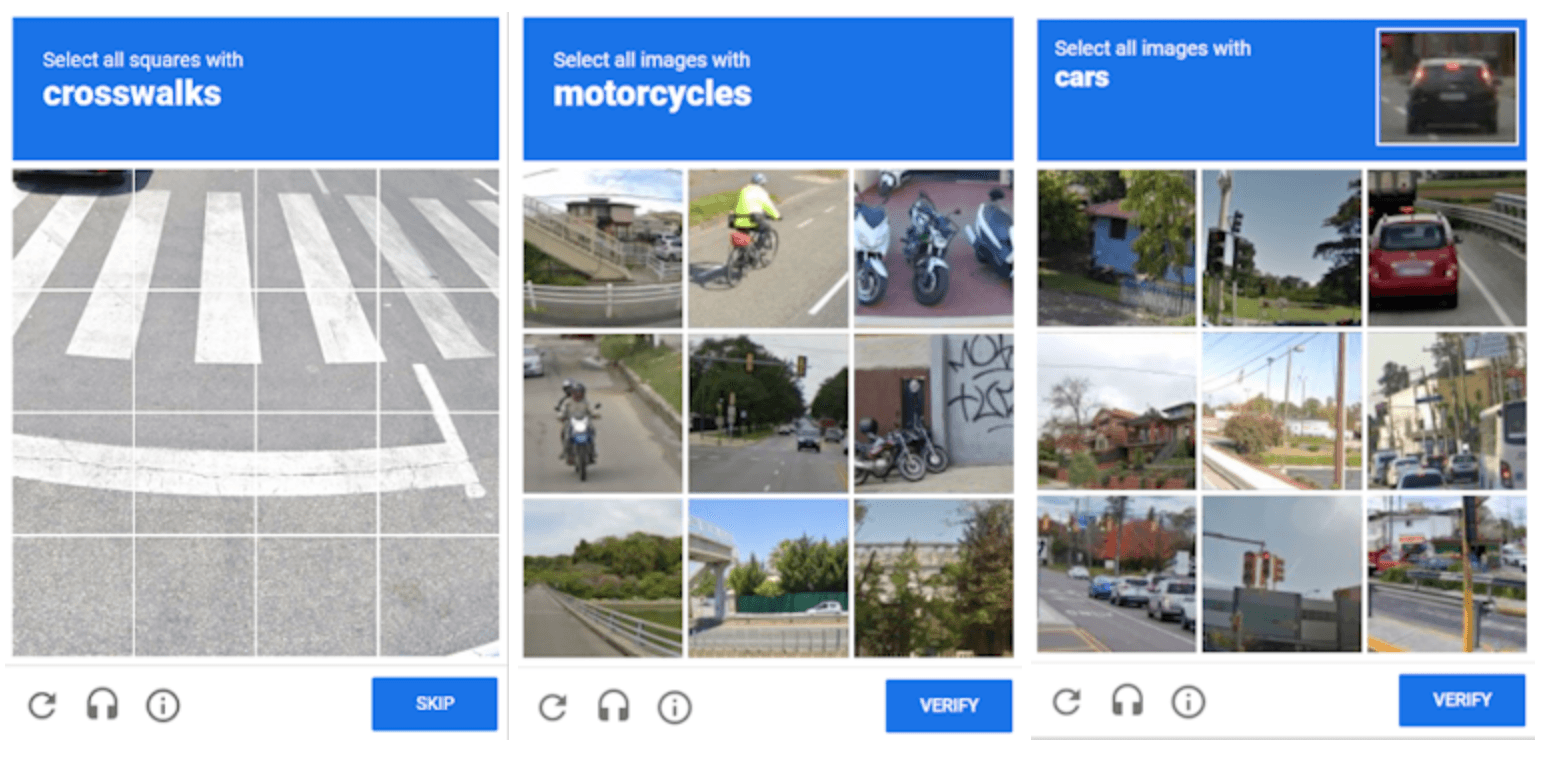
Strengths: Excellent security-to-friction balance. Most users verify with minimal friction. Strong behavioral analysis blocks advanced bots.
Limitations: Image challenges create minor conversion friction. Audio alternatives are inconsistent in quality.
reCAPTCHA v3: Invisible Risk Scoring
Operating entirely invisibly, v3 analyzes user behavior—mouse movements, scrolling patterns, device fingerprints, interaction timing—assigning risk scores (0.0–1.0). Website owners set thresholds; high-risk users receive additional verification.

Strengths: Seamless user experience. Leverages Google's proprietary threat intelligence. Customizable risk thresholds and detailed analytics.
Limitations: Privacy concerns regarding user data collection. Requires careful threshold tuning to avoid false positives.
reCAPTCHA Enterprise: Maximum Control
Enterprise edition provides multi-factor authentication integration, password leak detection, fraud ring identification, and policy-based actions.
Strengths: Sophisticated risk analysis. Minimal false positives. Dedicated customer support.
Limitations: Enterprise pricing scales with volume. Implementation requires technical expertise.
Top CAPTCHA alternatives to consider
No single alternative is “best.” The right choice depends on your threat model, compliance requirements, and how much friction you can tolerate.
Cloudflare Turnstile: Privacy-First (Plus Cloudflare Challenges)
Cloudflare Turnstile/Challenge is positioned as a CAPTCHA replacement that verifies visitors and blocks bots “without slowing down web experiences,” and it can be embedded on sites without routing traffic through Cloudflare.
Cloudflare’s Turnstile/Challenge privacy notice says it processes “minimal Signals” (for example client IP address, TLS fingerprint, User-Agent header, and sitekey/origin) to distinguish humans from bots and block bot traffic, and says it is not used to identify or profile individuals.
- Key Advantages: No visual puzzle by default, but Cloudflare may sometimes subtly ask you to check a checkbox when necessary..
Cloudflare Challenges add an official “challenge page” option where Cloudflare checks the browser (or asks for minimal interaction like a click), aiming for most visitors to pass automatically without CAPTCHA-style puzzles. - Considerations: Cloudflare notes Challenge Pages and Turnstile rely on the same underlying mechanism to challenge visitors, so test both the widget flow and interstitial challenge behavior if you use multiple Cloudflare security controls.
Cloudflare also documents challenge limitations, including potential issues with extensions that modify User-Agent or certain Web APIs (Canvas/WebGL), and possible loops if a Managed Challenge is solved from a different IP than the one that received it.
Cloudflare publishes a Customer Data Processing Addendum (DPA) for cases where it processes Personal Data as a processor under applicable data protection laws, including EU/UK GDPR, Swiss FADP, the EU e‑Privacy Directive, and US laws such as the CCPA. The DPA also commits to appropriate security measures, processing only on customer instructions, and breach notification “without undue delay.” - Pricing: Cloudflare lists “Turnstile Free” at $0/month and an Enterprise plan with custom pricing for mission-critical applications.
MTCaptcha: Enterprise Privacy & Accessibility
MTCaptcha is a smart CAPTCHA service designed for enterprises prioritizing privacy and accessibility. It uses Adaptive Invisible NoCAPTCHA technology, ensuring frictionless verification for humans while remaining difficult for bots. 99.5% of legitimate users pass verification on the first attempt.
- Key Advantages: Fully GDPR (General Data Protection Regulation of EC) and WCAG Level 2.1 AAA (the highest level of compliance with Web Content Accessibility Guidelines) compliant, meeting accessibility standards for visually and motor-impaired users. Colorblind-safe design and screen-reader compatibility ensure seamless experience. Adaptive risk engine continuously monitors threats. Enterprise multi-user dashboard with analytics and automated regression test support. Works globally including China with distributed infrastructure ensuring 24/7 availability.
- Considerations: Text-based adaptive mechanism may be less visually intuitive than image-based alternatives. Less market recognition compared to Google's ecosystem.
- Pricing: Free tier available; Core ($29/month per site), Pro ($95/month per site), Business ($170/month per site), and Enterprise plans available.
Don’t forget non-CAPTCHA layers
Even if you keep a captcha for website protection, it’s often smarter to reduce how frequently users see it by layering:
- Rate limiting and progressive throttling.
- Step-up verification (email verification or 2FA) on suspicious logins.
- Abuse-aware UX patterns (moderation queues, limiting retries, velocity checks).
These can reduce reliance on CAPTCHAs as a single point of failure.
Testing CAPTCHA solutions: CapMonster Cloud for quality assurance
CAPTCHA rollouts often fail in the boring places: token fields not submitted, callbacks not firing, backend verification mismatched to the frontend “action,” or regional network conditions causing timeouts. These issues can look like “CAPTCHA is broken” to real users—even if the vendor is fine.
CapMonster Cloud can be used as part of authorized QA to validate that your CAPTCHA integration correctly accepts and processes tokens end-to-end. For example, CapMonster Cloud describes an automated approach where it accepts CAPTCHA parameters, returns a ready-to-use token, and you insert that token into the form field to pass verification without user interaction (useful for controlled testing). CapMonster Cloud also provides a concrete testing/integration walkthrough for reCAPTCHA, Cloudflare Turnstile/Challenge, MTCaptcha, including typical task parameters (e.g., website URL, website key) and an example token returned in the solution.
Compliance note (important): CapMonster Cloud explicitly states its product is used for automating testing on your own websites and on websites to which you have legal access.
Where this helps most (authorized environments only)
- Regression tests after frontend changes (widget loads, token is submitted, backend verifies correctly).
- Load/edge-case testing (timeouts, retries, and graceful fallbacks).
- Comparing solutions by measuring friction: where CAPTCHA appears, completion rate, and drop-off.
If you’re evaluating reCAPTCHA vs alternatives and want confidence in your implementation (not guesses), try CapMonster Cloud in an isolated, authorized test environment to QA token handling and verification logic before you roll changes into production.
Start here: https://capmonster.cloud/