What Is Website Scraping and Why Is It Needed?
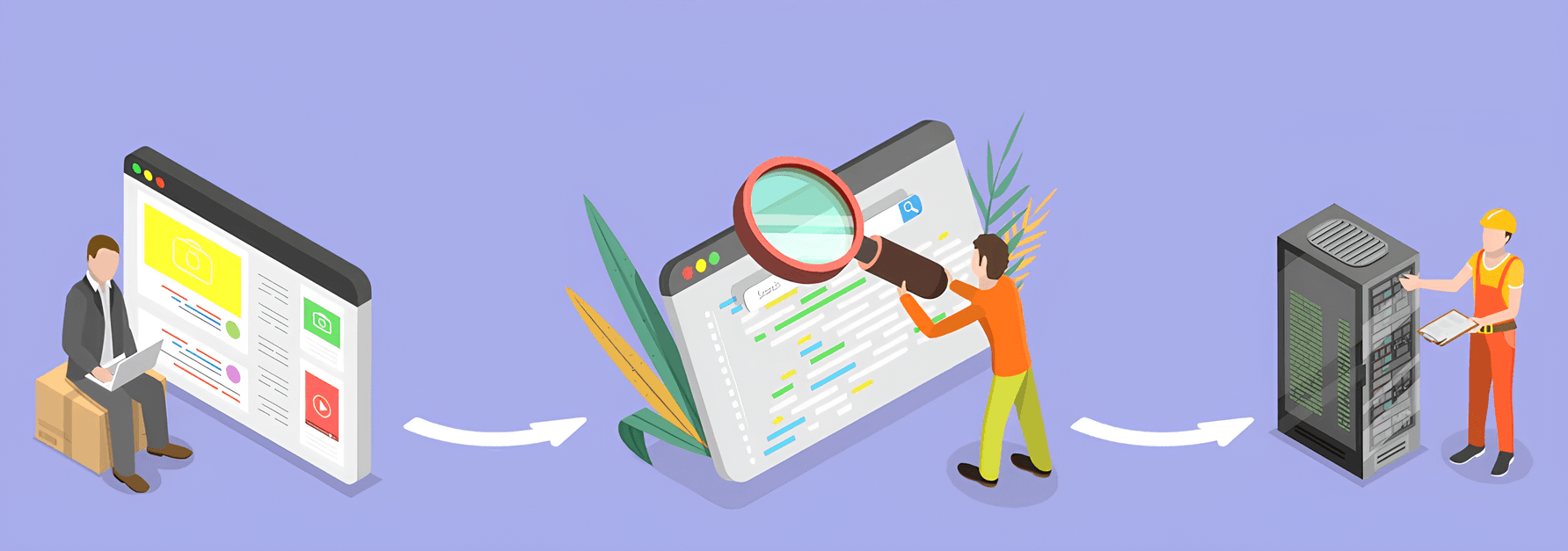
As is well known, having access to information plays a crucial role in achieving success in virtually any field. In the digital world, extracting, analyzing, structuring, organizing, and using information for various purposes has long been made possible through web scraping. Website scraping is the process of extracting data from websites. It is usually performed using scripts known as scrapers.

What Can Be Scraped?
Web scraping is an extremely useful tool. It allows you to:
Receive up-to-date information, track new articles, exchange rates, news, products, weather forecasts, and more.
Conduct analytics and market research (for example, monitor competitors’ product prices).
Collect data from foreign websites for further translation into the required language.
Analyze keywords on competitors’ websites for SEO optimization.
Work with social media platforms and various customer reviews.
Advantages of Web Scraping
All collected information (including text, images, links, tables, videos, audio, and more) can later be used as a foundation for improving website, product, and service promotion strategies, creating various types of content, forecasting future events, performing analytics, and managing pricing. Web scraping is also useful for generating lists of potential customers.
Is It Legal to Scrape Other People’s Websites?
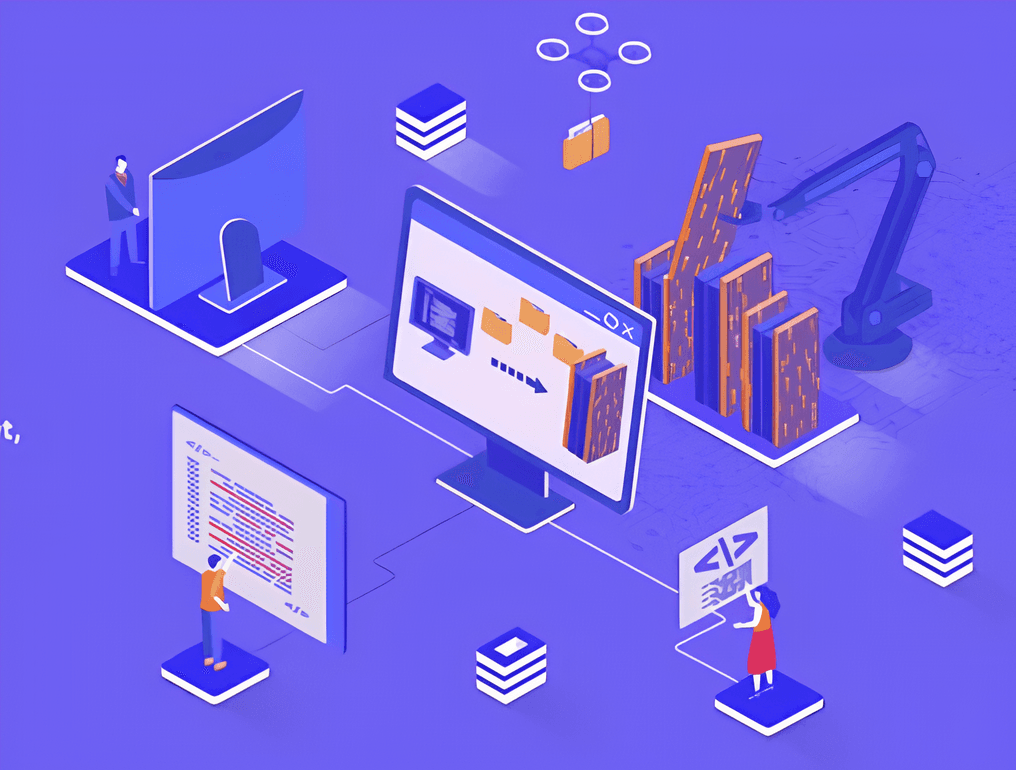
It all depends on the goals and methods of using web scraping. Information can be collected from publicly available sources and used for analysis, but it is not allowed to violate copyrights or website rules, collect users’ personal data, launch DDoS attacks, or otherwise interfere with a website’s operation.
How to Scrape Websites
Of course, websites can also be scraped manually, but it is much faster and more efficient to use the following methods:
Web scraping is the process of automatically extracting data using specialized programs and libraries/frameworks. They make it possible to create scripts (scrapers) for loading pages, extracting the required information, and saving it in a convenient format.
| What is the difference between parsing and web scraping? Web scraping is the process of extracting data from websites. Parsing is the analysis of structured data in order to extract only the necessary information. It may include both web scraping and the analysis of data in other formats such as JSON or XML. The overall process may also involve crawling — the process of automatically browsing websites (using crawlers or search bots) to extract information, usually for creating search engine indexes or updating data. Crawling often precedes web scraping or parsing by providing access to the required data. |
Cloud services and browser extensions are convenient because users do not need programming knowledge — they only need to configure them according to their needs.
Automation software. One particularly effective internet automation tool is ZennoPoster. It allows users to easily create their own scripts for extracting data from websites. Thanks to its user-friendly graphical interface, even beginners can quickly learn how to use it. You can learn more about ZennoPoster on the official website .
By the way, you can scrape not only websites but also mobile applications. ZennoDroid can easily help with this — working with it is similar to working with ZennoPoster, except that the data is extracted from Android applications. You can learn more about this product on the ZennoDroid website .
How to Scrape Websites with Python
Python is extremely popular for web scraping. Ready-made libraries and frameworks such as BeautifulSoup and Scrapy greatly simplify this process. Automation tools like Selenium are also commonly used, as they allow developers to control a browser and retrieve page content.
Example of simple weather website scraping using BeautifulSoup:
import requests
from bs4 import BeautifulSoup

# URL of the weather forecast page
url = 'https://www.example.com/weather'

# Send a GET request to the page
response = requests.get(url)

# Check if the request was successful
if response.status_code == 200:
    # Parse the page HTML
    soup = BeautifulSoup(response.text, 'html.parser')

    # Find the element containing weather information
    weather_info = soup.find('div', class_='weather-info')

    # Extract the required weather data
    temperature = weather_info.find('span', class_='temperature').text
    condition = weather_info.find('span', class_='condition').text

    # Print the result
    print("Temperature:", temperature)
    print("Weather condition:", condition)
else:
    print("Error while retrieving weather data.")
Let’s also look at an example of scraping headlines from a news website using Scrapy:
- Create a new project:
scrapy startproject news_parser
- Create a spider for scraping news (“spider” is a class that defines which pages should be visited, what data should be extracted, and how it should be processed). Open the file news_parser/spiders/news_spider.py and add the following code:
import scrapy

class NewsSpider(scrapy.Spider):
    name = "news"

    start_urls = [
        "https://example.com/news"
    ]

    def parse(self, response):
        # Extract news headlines
        news_titles = response.css(
            "h2.news-title::text"
        ).getall()

        # Return results
        for title in news_titles:
            yield {
                "title": title.strip()
            }
- In the news_parser project directory, run the following command to start the spider:
scrapy crawl news -o news_titles.json
Main Tools for Website Scraping
There are various programs, browser extensions, cloud services, and libraries available for creating custom web scrapers. The most popular ones include ParseHub, Scraper API, Octoparse, Netpeak Spider, as well as the previously mentioned Python libraries BeautifulSoup and Scrapy.
In addition, let’s highlight the following popular scraping tools:
Google Sheets. You can use Google Sheets to scrape data with the IMPORTHTML function or with Google Apps Script.
Using the IMPORTHTML function: insert this function into a Google Sheets cell. Specify the page URL and the type of data to extract (for example, "table"). The function will automatically extract the data and place it into the spreadsheet.
Using Google Apps Script: create a script in Google Sheets. Specify the URL of the webpage from which you want to extract data. The script will automatically retrieve data from the HTML table and write it into the spreadsheet.
Power Query. The Power Query plugin for Microsoft Excel allows users to extract data from various sources, including websites, and provides tools for transforming and processing this data.
Node.js-based scrapers (JavaScript). Node.js is also becoming a popular platform for building scrapers due to the popularity of JavaScript, although there are still fewer solutions compared to Python. One example is Cheerio — a JavaScript library for server-side parsing. It allows developers to select and manipulate webpage elements, making the process of scraping and analyzing data convenient and efficient.
ZennoPoster also handles scraping tasks extremely well, and when combined with the CapMonster Cloud captcha-solving service, it can quickly overcome captcha-related obstacles.
How a Parser Works
When working with a parser, the user specifies the required input data and the list of pages to scrape. But how does the parser itself work? Let’s take a look at its core operating principle:
- The parser sends an HTTP request to download the HTML code of the required webpage.
- It then analyzes the page HTML using various methods (such as CSS selectors or XPath) to extract the required information (text, links, images, etc.).
- The extracted data is processed into a convenient format (for example, JSON).
- The data is saved to a file or database.
Tips to Avoid Getting Blocked While Scraping
Many websites limit the ability to extract information from them through scraping. To bypass these restrictions, you can use the following approaches:
Limiting request rate. Do not send too many requests in a short period of time. Limit requests so your program does not create excessive load on the server.
Using proxies. Use high-quality proxy servers to rotate IP addresses and distribute requests across different sources.
Checking the robots.txt file. This file helps determine which pages can be scraped and which cannot.
Caching requests – to improve speed, reduce server load, and preserve data.
Changing user agents and other headers. This helps imitate different platforms and browsers. Changing the user agent allows you to hide your activity, making requests appear as if they were made by a regular user.
Using CAPTCHA-solving services. This helps bypass possible CAPTCHA-based restrictions.
How to Solve CAPTCHA While Scraping
It is also very common to encounter CAPTCHAs when extracting data from web pages, since they are specifically designed to protect against automated requests. You can learn more about them here. The easiest way to deal with them is to integrate specialized CAPTCHA-solving API services into your scripts. One of them is CapMonster Cloud — this service allows you to bypass different types of CAPTCHAs quickly and with minimal errors. You can learn more about it on the website, where you can also register and test the service.
Conclusion
Scraping is an extremely valuable process. When used properly, it allows you to automatically collect almost any volume of data, saves time, helps adapt to constantly changing information, and assists in creating your own content. Integrating various services and tools, such as ZennoPoster and CapMonster Cloud, can significantly simplify the process of legal and ethical scraping while helping you bypass possible restrictions.
NB: Please note that the product is intended for automating tests on your own websites and sites you have legal access to.