What is CAPTCHA and how to solve it when scraping websites

What is CAPTCHA and why is it used?
CAPTCHA is an automated type of test used on websites to determine whether a user is a human or a program. It is easy for humans to pass, but not so simple for automated systems.
Where the name comes from
The interesting word “captcha” comes from the English phrase "Completely Automated Public Turing test to tell Computers and Humans Apart", which translates as "fully automated public Turing test to distinguish computers and humans".
In 1950, the English mathematician Alan Turing proposed a test to distinguish a human from a computer. The test suggested that if a human cannot distinguish between answers from a computer and a human, then the computer can be considered to have artificial intelligence. CAPTCHA is based on the principles of the Turing test and is a practical application of its idea for distinguishing between humans and computer programs.
Why CAPTCHA is needed
CAPTCHA is used to protect websites from automated programs used for scraping and spam distribution. It also helps protect web resources from password brute-force attacks and DDoS attacks and makes other automation processes more difficult.
Types of CAPTCHA
CAPTCHAs can come in different types depending on how they are presented and what tasks they require users to complete. Here are some of the most common types of CAPTCHAs:
Text-based CAPTCHAs
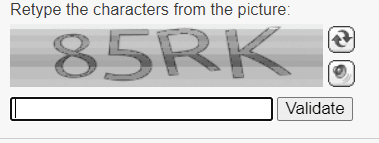
The user is asked to enter text shown in an image, usually distorted or with added noise to make it harder for computer programs to recognize.
Slider CAPTCHA
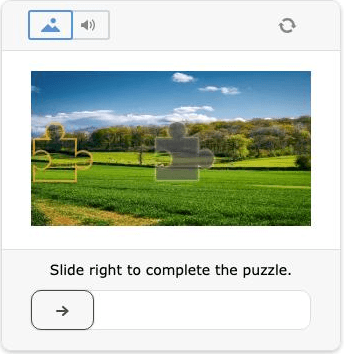
Here the user needs to move a slider or solve a small puzzle.
Variants of this type of CAPTCHA include:
- standard slider
- puzzle slider
- drag-and-drop verification
Audio CAPTCHAs
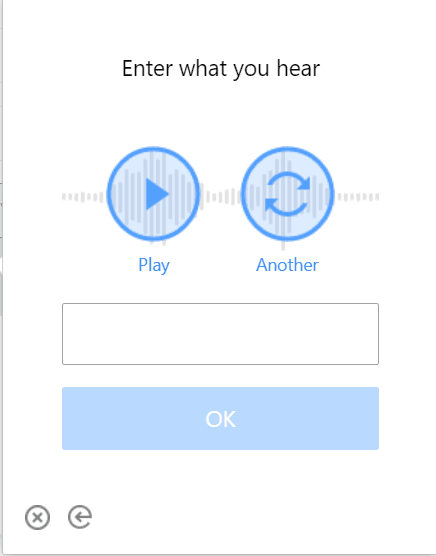
Some CAPTCHAs, in addition to a visual challenge, offer an audio recording where the user must listen and enter the digits or words spoken in the recording (usually distorted with background noise).
Mathematical CAPTCHAs
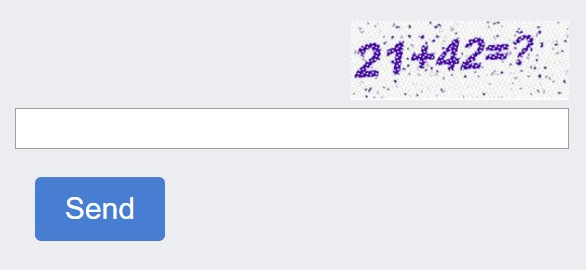
The user is asked to solve a simple mathematical equation, such as addition or multiplication, to confirm that they are human.
ReCAPTCHA
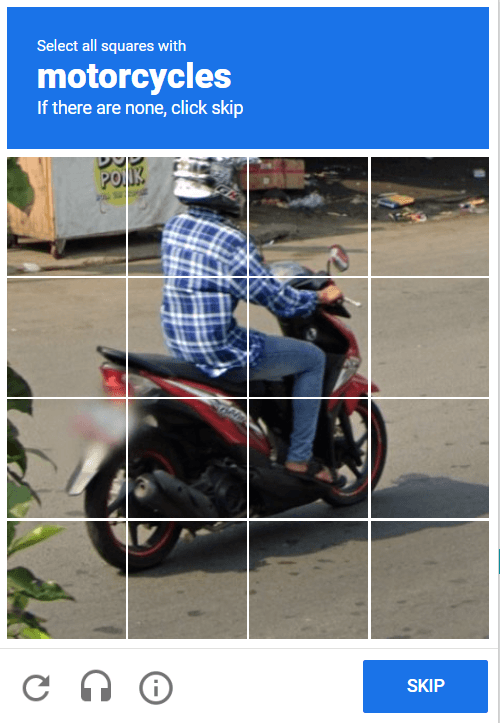

This is a type of CAPTCHA developed by Google. It usually consists of tasks such as selecting all images containing a specific object.
These are just a few examples of CAPTCHA types, and developers are constantly creating new types for different purposes and security requirements.
What is website parsing
Website parsing is the process of automatically extracting data from websites. This is usually done using special programs or scripts called web scrapers or web crawlers. The purpose of parsing can vary: from collecting information for analysis and research to creating a copy of content or monitoring changes on a website.
How to solve CAPTCHA when parsing websites
Although CAPTCHA is designed to block parsing, there are still quite a few ways to bypass it and obtain the required data. One of them is CapMonster Cloud – a cloud service for automatic CAPTCHA solving. It handles most of the CAPTCHA types mentioned above quickly and efficiently.
It provides the following approaches for parsing without blocks:
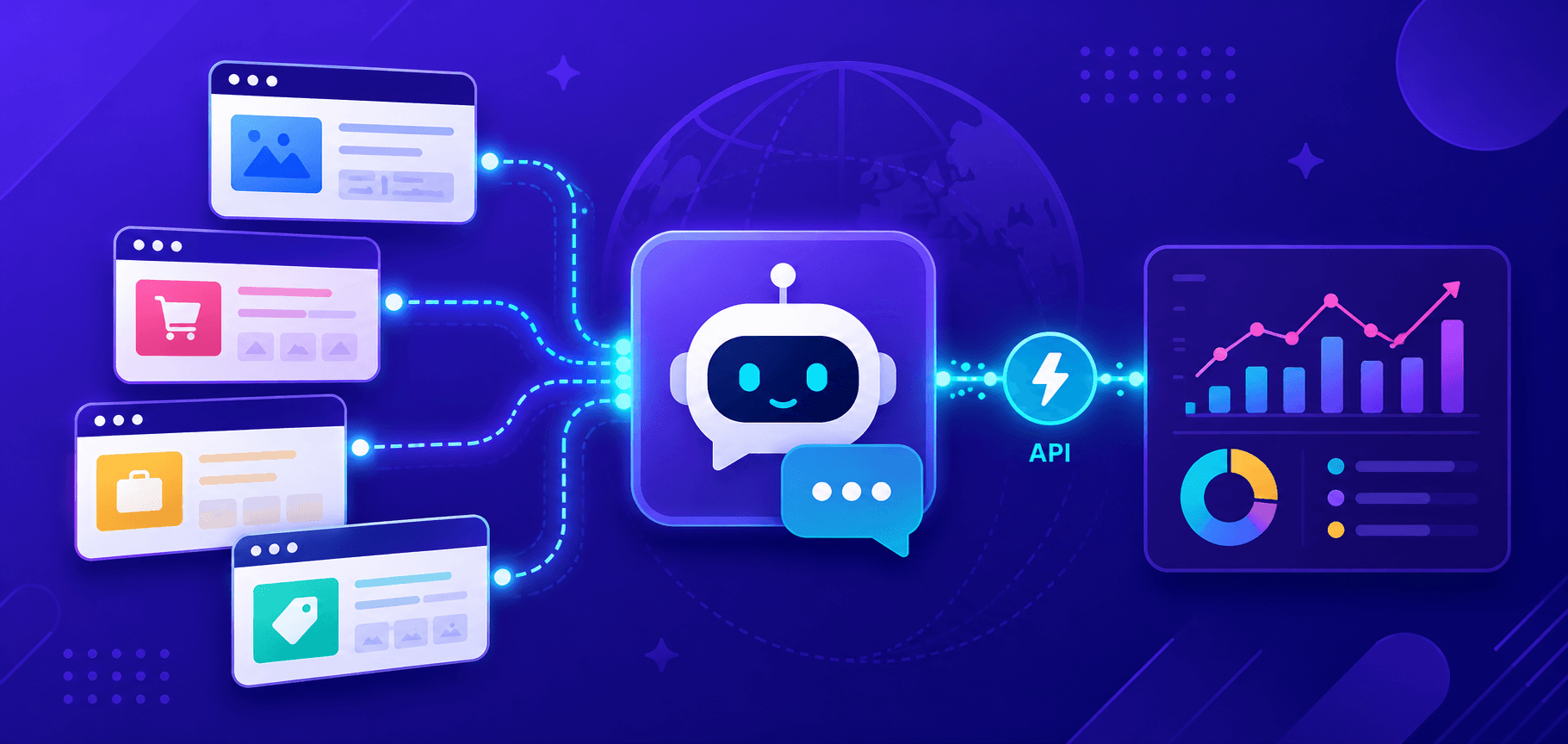
Using API – this allows sending CAPTCHA images to CapMonster Cloud servers and receiving the solved CAPTCHA back. Developers can integrate the API into their parsing scripts for automatic CAPTCHA solving.
Using libraries – CapMonster Cloud also provides ready-to-use libraries for various programming languages (such as Python, PHP, JavaScript, and others), which simplify integration with the service.
Using distributed solutions – the service uses distributed servers and powerful recognition algorithms, which increases the speed and accuracy of CAPTCHA solving.
Model training – the cloud server continuously improves recognition algorithms, including through training models on large datasets.
Resource reservation – CapMonster Cloud allows reserving a certain amount of resources for CAPTCHA processing, which speeds up the solving process and ensures reliability when parsing large volumes of data.
What to do if websites restrict access
If, while working with websites or automating processes, you often encounter the need to confirm that a real user is making requests, or notice access restrictions from websites, it is worth understanding the reasons for such checks and considering proper ways of interacting with protection mechanisms.
So, what are the available methods:
VPN (Virtual Private Network). One of the most popular ways to bypass restrictions. A VPN masks your IP address, allowing you to bypass geo-blocks and ISP restrictions.
Proxy servers. Similar to VPNs, proxy servers can route your traffic through remote servers, hiding your real IP address.
DNS redirection. Some DNS services, such as Google Public DNS or Cloudflare DNS, can help bypass blocks by redirecting you to available mirrors of blocked websites.
Tor (The Onion Router). Tor routes your traffic through a decentralized network of servers, providing anonymity. However, it is not the most reliable way to bypass restrictions, as traffic analysis methods and attacks may expose Tor users.
Often websites do not even show CAPTCHA if they are satisfied with the IP address and user profile. However, when using scripts, human verification checks are likely unavoidable. In this case, automatic CAPTCHA solving services can help, and CapMonster Cloud is one of the most established solutions. It provides CAPTCHA solving capabilities that may be useful when accessing websites with automated protection systems.
How to solve CAPTCHA using artificial intelligence
Previously, CAPTCHA recognition relied only on manual services requiring human involvement. Today, modern technologies have advanced significantly, and artificial intelligence is successfully applied to this task.
CAPTCHA solving using AI typically consists of the following stages:
Image processing. First, the CAPTCHA image is fed into the algorithm. The AI processes the image using techniques such as noise filtering, segmentation (extracting text or elements), and pattern recognition.
Text or element recognition. After processing the image, the AI attempts to recognize text or other elements in the CAPTCHA. Various machine learning methods are used for this. These models are trained on large datasets of CAPTCHAs to achieve high accuracy in recognition.
Automatic decision. After successfully recognizing the text or elements, the AI determines the correct CAPTCHA answer and sends this information back to the user or program that requested the solution.
This process may vary depending on the complexity of the CAPTCHA and the AI methods used. CAPTCHAs are usually designed to make automatic recognition difficult, but AI developers continuously improve their methods to overcome these challenges.
Cloud service CapMonster Cloud also uses artificial intelligence to solve CAPTCHAs and enable efficient web parsing. The models are continuously trained and updated. CapMonster Cloud automates CAPTCHA solving, saving users time and effort that would otherwise be spent on manual input or alternative bypass methods. More information about CapMonster Cloud and its capabilities can be found in the documentation or blog.
For user convenience, the service offers both an API and browser extensions for Google Chrome and Mozilla Firefox, which allow CAPTCHAs to be solved automatically in the background. On the official website you can learn more, register, and test the full functionality of CapMonster Cloud.
NB: Please note that the product is intended for test automation exclusively on your own websites and resources to which you have legal access rights.