CapMonster Cloud API
 Extension for browsers


How to Stop Getting CAPTCHA When Scraping in 2025 (with Real Solutions)
CAPTCHA is a headache for nearly every developer involved in web scraping — especially in 2025, when anti-bot technologies have become more advanced than ever. Even if you’re using high-quality proxies, well-structured requests, and clean code logic, you can still run into blocks or visual checks like “Prove you’re not a robot.”
This article explains why CAPTCHA appears, how to bypass it effectively in real-world conditions, and how to automate solving it using CapMonster Cloud — no hacks, no shady tricks, just practical solutions.

Why Do Websites Show CAPTCHA?
Before trying to defeat CAPTCHA, it’s important to understand one thing: it doesn’t appear randomly. CAPTCHA is a result of security mechanisms designed to filter out unwanted traffic and protect data and infrastructure. Here are the main reasons why you see CAPTCHA while scraping:
1. Rate Limiting — Request Frequency Restrictions
Servers monitor how often requests come from the same IP address. If the frequency is unusually high, you’ll likely be hit with a CAPTCHA or even blocked.
2. Bot Detection
Modern anti-bot systems (like Cloudflare Bot Management, DataDome, PerimeterX) can detect when a script—not a real human—is accessing the site. They analyze things like:
Browser headers
Device type
Behavior patterns (mouse movement, clicks, scrolling)
JavaScript fingerprinting
3. Browser Fingerprinting
Even if you're using a real browser, the site can generate a digital fingerprint using canvas, WebGL, font lists, screen size, timezone, and more. A unique or unnatural combination of these signals can expose you as a bot.
Proven Ways to Avoid CAPTCHA While Scraping
Below are tested and trusted methods that developers and data specialists use to avoid CAPTCHA triggers—or solve them effectively—without violating website rules.
1. IP and Proxy Rotation
This is the foundation of any stable scraping setup. Using the same IP too often quickly leads to filtering. Use:
Rotating proxies — every request or session uses a new IP
Residential IPs — appear as real user traffic
Mobile proxies — especially useful for scraping mobile-optimized websites
TOR network or custom proxy pools — more advanced, but powerful with proper setup
Important: Always monitor your IPs to ensure they’re not on blocklists or flagged as suspicious.
2. User-Agent and HTTP Header Rotation
User-Agent is one of the first signals servers use to identify bots. To avoid detection:
Use a list of real browsers (Chrome, Firefox, Edge, Safari)
Rotate other headers too: Accept-Language, Referer, Accept, Cookie
Maintain logical consistency — language, timezone, and region should match the IP
3. Hiding Headless Browser Mode (for Puppeteer, Playwright, Selenium)
Most browser automation tools run in headless mode, which websites can easily detect.
What helps:
In Puppeteer, use puppeteer-extra-plugin-stealth
In Playwright, launch the browser with --disable-blink-features=AutomationControlled
Simulate real user behavior: scrolling, delays, clicks, navigation across pages
4. Using CapMonster Cloud to Automatically Solve CAPTCHA
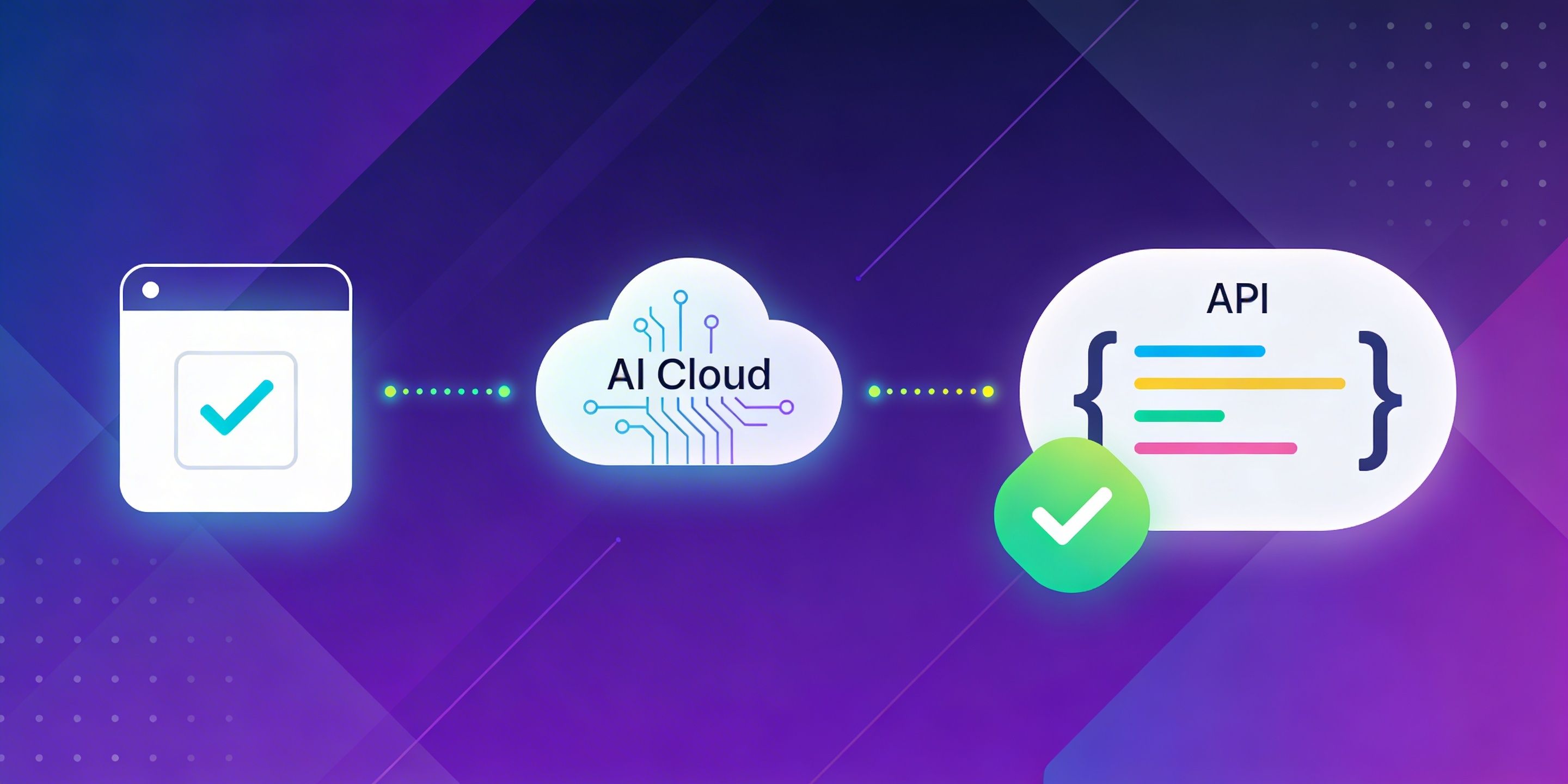
If CAPTCHA still shows up, the best solution is to solve it automatically via API.
CapMonster Cloud is a cloud-based CAPTCHA-solving service that:
Supports reCAPTCHA v2/v3, FunCaptcha, GeeTest, simple image/text CAPTCHAs
Works via a simple REST API
Requires no browser or manual interaction
Solves most tasks in just 5–15 seconds on average
Example: Solving reCAPTCHA with CapMonster Cloud in Python
Here’s a simple Python code example showing how to solve a CAPTCHA from example.com using CapMonster Cloud:
import requests
import time

API_KEY = "YOUR_API_KEY"
SITE_KEY = "site_key_from_target_website"
PAGE_URL = "https://example.com"

CREATE_TASK_URL = "https://api.capmonster.cloud/createTask"
GET_RESULT_URL = "https://api.capmonster.cloud/getTaskResult"


def create_captcha_task():
    payload = {
        "clientKey": API_KEY,
        "task": {
            "type": "RecaptchaV2Task",
            "websiteURL": PAGE_URL,
            "websiteKey": SITE_KEY
        }
    }

    response = requests.post(CREATE_TASK_URL, json=payload, timeout=30).json()

    if response.get("errorId") != 0:
        raise Exception(f"API error: {response}")

    return response.get("taskId")


def get_captcha_result(task_id):
    payload = {
        "clientKey": API_KEY,
        "taskId": task_id
    }

    while True:
        response = requests.post(GET_RESULT_URL, json=payload, timeout=30).json()

        if response.get("errorId") != 0:
            raise Exception(f"API error: {response}")

        status = response.get("status")

        if status == "ready":
            return response["solution"]["gRecaptchaResponse"]

        if status == "processing":
            print("Waiting for CAPTCHA solution...")
            time.sleep(3)
            continue

        raise Exception(f"Unexpected response: {response}")


if __name__ == "__main__":
    try:
        print("Creating CAPTCHA task...")

        task_id = create_captcha_task()
        print(f"Task ID: {task_id}")

        token = get_captcha_result(task_id)

        print("CAPTCHA solved")
        print("Token:", token)

    except Exception as e:
        print("Error:", e)
You can then insert the received gRecaptchaResponse token into the site’s form submission, simulating the behavior of a real user.
An Ethical Approach to CAPTCHA Handling
It’s important to understand: the goal is not to hack, but to simulate legitimate user behavior. Everything CapMonster Cloud or headless-hiding techniques do is simply emulate how a real user would interact with the site.
You're not breaking security, bypassing private areas, or extracting personal data.
This approach is fully legitimate—especially when:
You're collecting publicly available data
You follow the website’s terms of use
You use the data for analysis, monitoring, price aggregation, or similar legal purposes
Smarter Web Scraping in 2025
Web scraping in 2025 requires more precision and smarter setup than ever before. CAPTCHA isn’t just an annoyance—it’s a clear signal that your bot has been detected.
But if you:
Configure proxies and IP rotation
Hide headless browser indicators
Rotate headers
Integrate CapMonster Cloud for automatic CAPTCHA solving
…you’ll be able to collect data reliably and consistently, even from challenging websites.
Your scraper will run smoothly—day and night.
Need help integrating CapMonster Cloud into your stack (Puppeteer, Playwright, Selenium, Scrapy, Requests)?
I can provide examples, explain the logic, and suggest best practices.
Ready to stop fighting CAPTCHAs and focus on your data? CapMonster Cloud is your reliable, battle-tested tool.
NB: Please note that the product is intended for automating tests on your own websites and sites you have legal access to.