Unable to pass the CAPTCHA on LinkedIn: why this happens, best solutions.
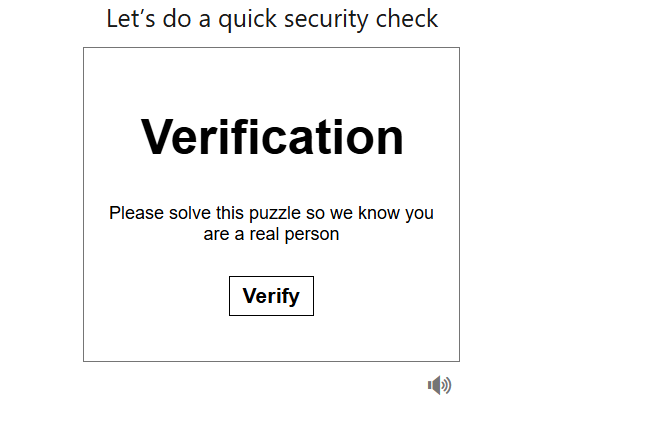
CAPTCHAs (an acronym for “Completely Automated Public Turing test to tell Computers and Humans Apart”) have long become a familiar part of the internet — they protect websites from bots but often create obstacles for regular users as well. Sometimes solving a CAPTCHA proves difficult or fails entirely. Let us explore why this happens and how to use the LinkedIn platform without unnecessary complications.
The CAPTCHA on LinkedIn helps the service determine whether the user is human. This mechanism is triggered when the system detects suspicious activity, such as:
- a change in IP address;
- login from an unfamiliar device;
- overly frequent authorization attempts;
- unusual behavior resembling automated actions.
The system may use FunCaptcha, Google reCAPTCHA, or other protective methods, including Invisible CAPTCHA, which operates in the background. This allows the user to avoid interruptions unless the risk level rises, in which case a standard CAPTCHA will appear.